
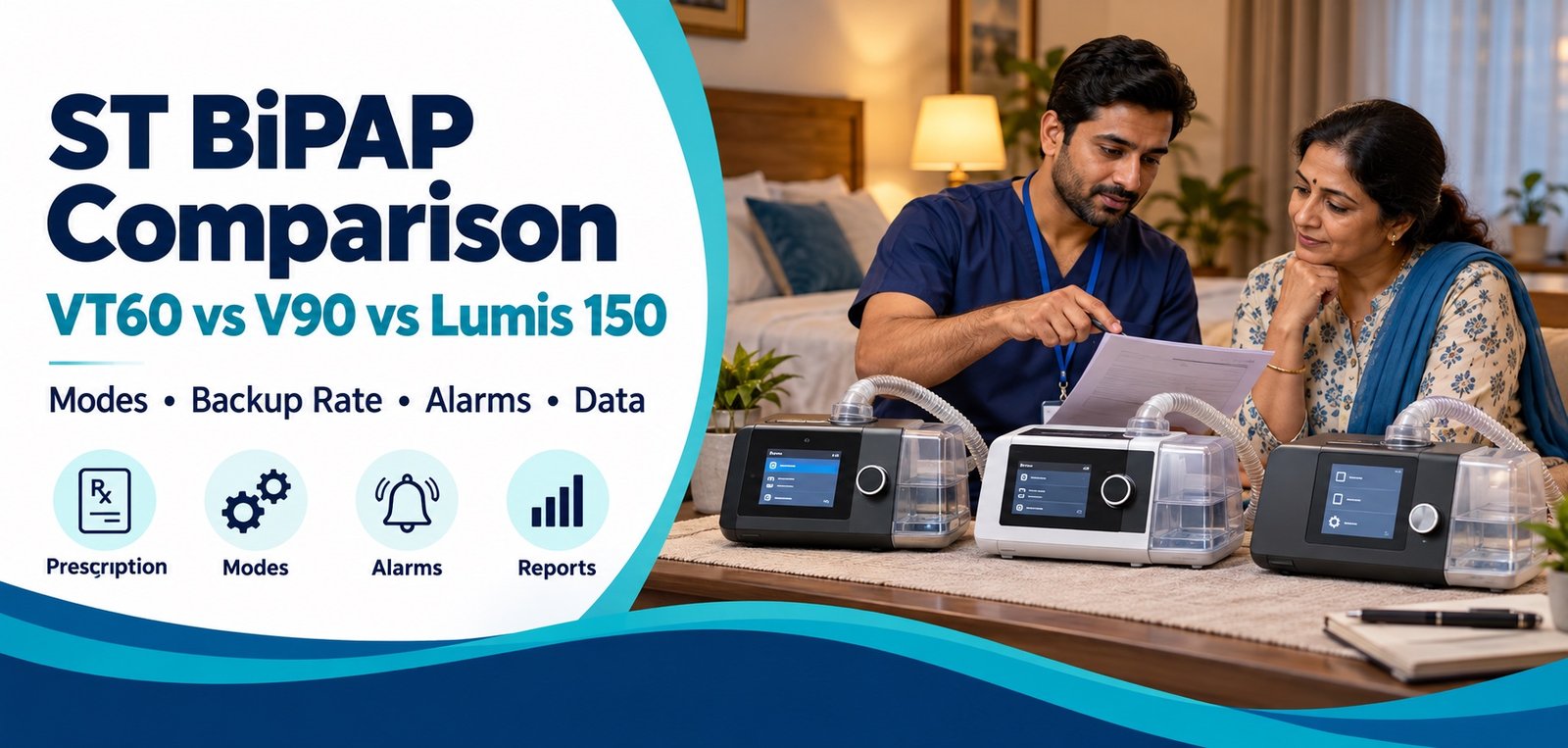
ST bilevel machines may look similar but can differ in therapy modes, volume-assurance strategy, backup-rate behaviour, alarms, reporting and accessories. Those differences matter when a clinician is supporting a patient who may not reliably trigger every breath.
Compare the three bilevel platforms
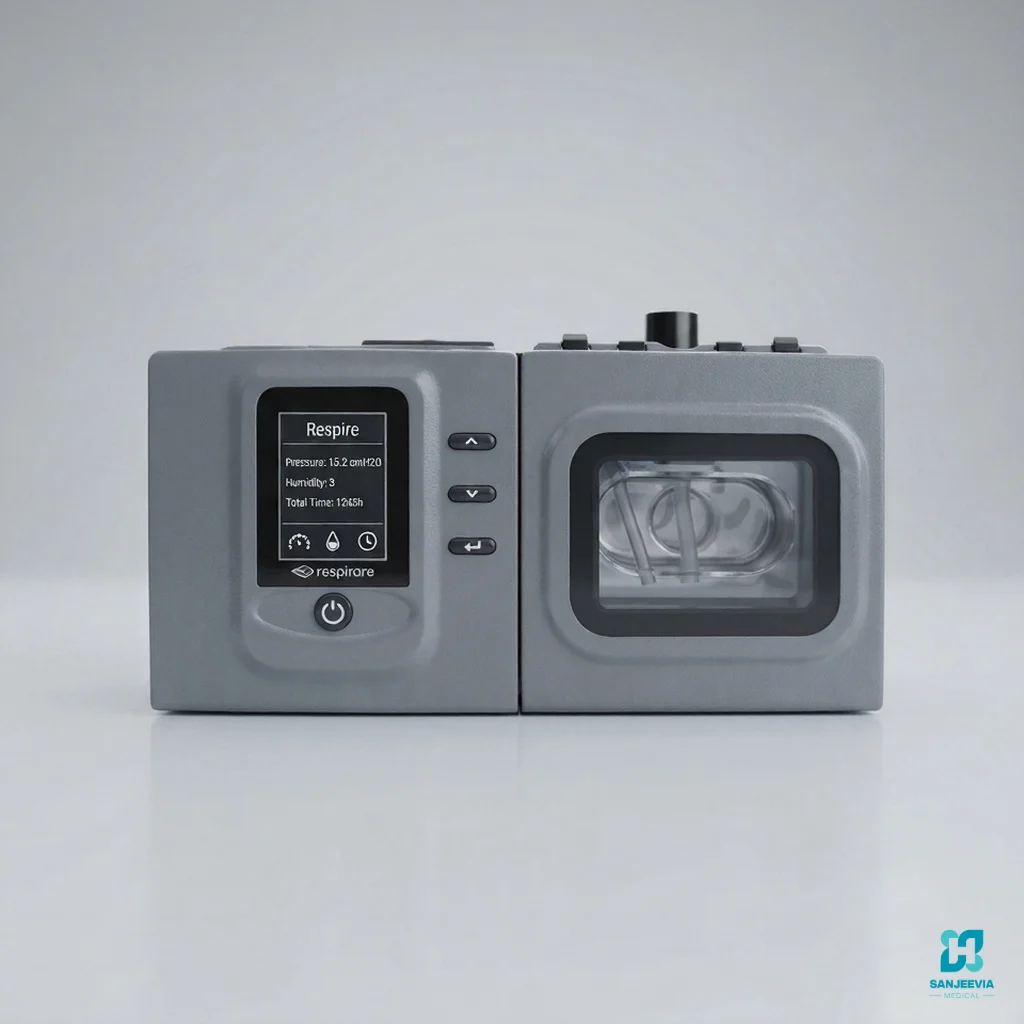
Deck Mount VT60
ST-capable bilevel platform. Confirm mode set, alarms, humidifier and supplied version.
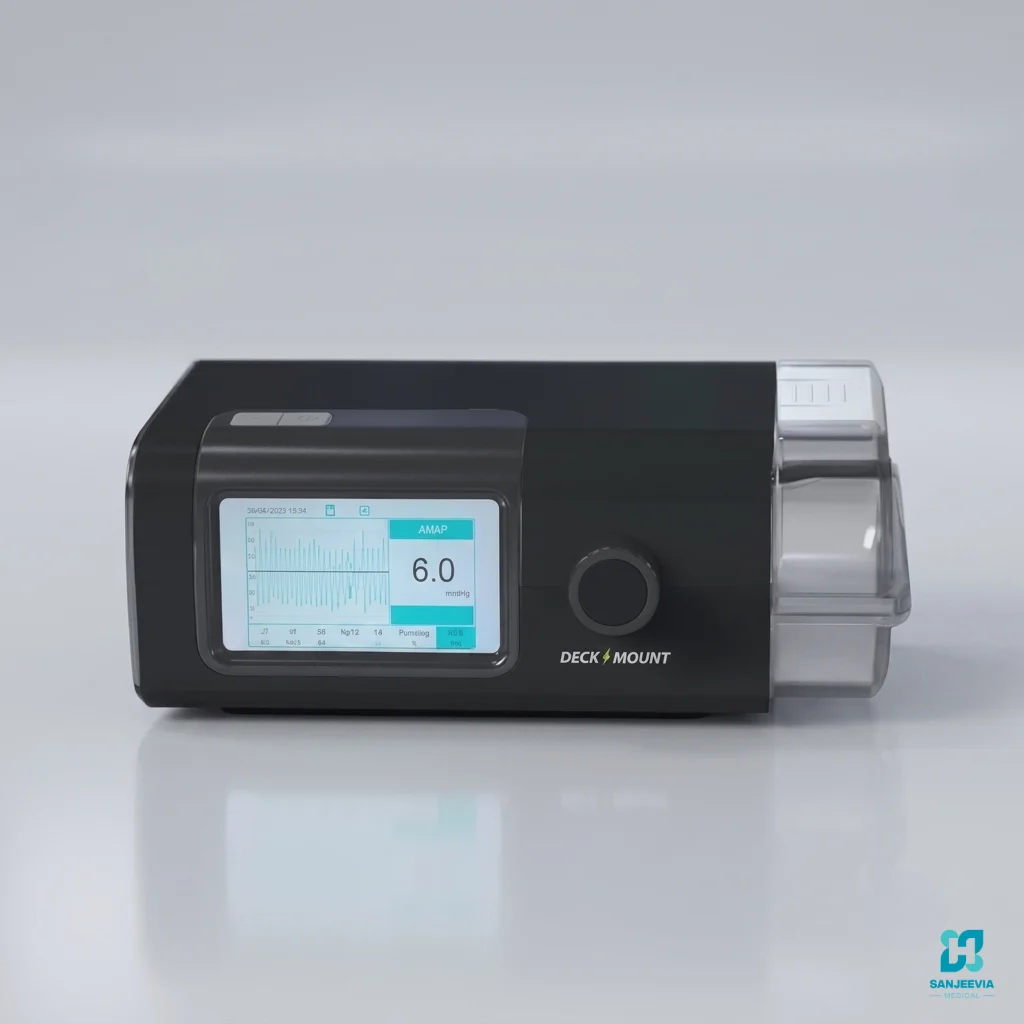
Deck Mount V90
Verify the exact V90 label, current manual and mode list for the unit offered.

ResMed Lumis 150 ST / ST-A
Confirm whether the supplied device is ST or ST-A and which alarm and connectivity features apply.
What can be compared reliably?
| Decision point | Deck Mount VT60 | Deck Mount V90 | ResMed Lumis 150 |
|---|---|---|---|
| ST capability | Manufacturer VT60 brochure lists S, T and ST among its modes. | Sold as an ST bilevel platform; verify the exact mode list in the supplied manual. | Official fact sheet lists S, T, ST, PAC and iVAPS, plus CPAP. |
| Volume-assured function | The brochure lists VAPS. Confirm implementation and clinician requirements. | Verify on the exact device. Do not infer it from the V90 name alone. | Uses ResMed iVAPS, with target alveolar ventilation and model-specific setup. |
| Pressure capability | Use current brochure and device manual for exact limits. | Use the label and current manual for exact limits. | Official fact sheet lists 2 to 25 cm H2O for bilevel modes and 4 to 20 cm H2O in CPAP. |
| Backup rate | Available in timed and ST-type operation; clinician configures it. | Confirm range and configuration on the supplied unit. | Available in timed modes. iBR may be used with iVAPS when enabled appropriately. |
| Alarms | Confirm the complete alarm set and priority behaviour for the actual unit. | Confirm each required alarm from the current manual and demonstrate it safely. | Alarm capability differs between Lumis 150 ST and ST-A. Verify the exact reference. |
| Data and reporting | Confirm stored parameters, export method and compatible software. | Confirm reports and data-transfer method for the actual model. | ResScan/SD-card and connectivity options depend on device, market and service. |
| Humidification | Confirm integrated or compatible humidification and tubing. | Confirm the chamber, heated tubing compatibility and cleaning process. | Compatible with ResMed humidification system; confirm included components. |
1. Read every word of the prescription
A prescription may specify bilevel S mode, ST mode, a backup rate, a volume-assured mode or a broader non-invasive ventilation plan. These are not cosmetic software options. In S mode, the patient generally triggers and cycles breaths. In ST mode, the device can support patient-triggered breathing and provide timed backup breaths according to clinical settings. T and pressure-assist modes behave differently again.
Ask the clinician to write the required therapy category, interface, oxygen arrangement where applicable and monitoring plan. If the prescription mentions iVAPS, VAPS, AVAPS or target ventilation, do not replace one named algorithm with another without clinical approval. Each manufacturer implements volume-assured support differently.
2. Distinguish VAPS from iVAPS
Deck Mount’s VT60 brochure lists VAPS. ResMed’s Lumis 150 uses iVAPS, which targets alveolar ventilation and can use an intelligent backup rate. Similar naming does not make their algorithms identical. Setup inputs, target calculations, pressure-support behaviour and reporting may differ.
The clinician needs the manual and data for the exact device to translate a treatment plan safely. A sales comparison should describe capabilities, not recommend target ventilation or pressure settings.
3. Confirm the exact Lumis version
Lumis 150 ST and Lumis 150 ST-A names are sometimes used loosely in listings. ST-A variants can include enhanced alarm capabilities, while the standard ST configuration and regional references may differ. Ask for a photograph of the model label, reference number and the matching user or clinical guide. Confirm the supplied humidifier, tubing, power supply and data arrangement.
Need the prescribed ST BiPAP model?
Share the exact prescription wording, requested mode, city and model under consideration. Sanjeevia can explain equipment availability and support. Settings require the treating clinician.
4. Treat V90 specifications cautiously
Different public seller pages describe the V90 with different mode lists and specifications. That is a reason to verify, not to guess. Ask for the manufacturer-issued brochure and manual bearing the exact V90 model or hardware revision. Compare the screen’s available modes with the written prescription and record the serial number at handover.
If a required mode, alarm or setting range cannot be confirmed in the official documentation supplied with the unit, do not assume it exists. Request clarification from the manufacturer or choose a device with verifiable documentation.
5. Compare pressure, backup and timing controls as a system
Maximum pressure is only one line in a much larger setup. The clinician may need to consider inspiratory pressure, expiratory pressure, pressure support, backup rate, inspiratory time, rise time, trigger sensitivity, cycle sensitivity and volume target. The exact available controls vary by mode and model.
Families should not be expected to set these parameters. They should learn how to start and stop therapy, recognise normal indicators, respond to alarms according to the care plan and contact the clinical or technical team when performance changes.
6. Match alarms to the risk plan
An alarm is useful only when it detects the relevant condition, is audible in the home and has a clear response. Ask the clinician which alarms are required and the supplier to demonstrate those present on the exact machine using manufacturer-approved methods. Examples may include disconnection, high leak, power failure or ventilation-related alarms, but presence and behaviour vary.
Write an escalation plan that distinguishes equipment faults from medical deterioration. Severe breathlessness, altered consciousness, blue lips, chest pain or other emergency signs require urgent medical help rather than repeated device troubleshooting.
7. Check interface, leak and circuit compatibility
Confirm mask type, intentional leak arrangement, tubing, filters, humidifier and any oxygen connection. A vented mask used with a single-limb circuit must have the intended exhalation pathway. Covering mask vents can be dangerous. Oxygen, if prescribed, needs the exact approved connection and fire-safety plan.
Mask leak can disturb comfort, synchrony, delivered pressure and data. Fit the mask while the user is in the usual sleeping position and at therapy pressure. Read safe checks for a leaking BiPAP mask before tightening straps excessively.
8. Decide how clinical data will be reviewed
Ask which parameters the machine stores, how data are exported and who reviews them. Usage hours alone do not show whether ventilation is effective. Depending on the therapy and patient, the clinician may review leak, respiratory rate, tidal volume, minute ventilation, pressure, events and adherence together with symptoms and other clinical information.
Connectivity and software availability can vary by market and service. Confirm a workable SD-card or report process even when remote monitoring is advertised.
9. Plan for power and interruption
Discuss the clinical risk of therapy interruption and the required backup plan. Check power supply specifications, battery or backup compatibility and expected duration using manufacturer information. A home inverter should not be assumed compatible. Keep cords away from water, moving bed parts and trip paths.
For a user dependent on ventilatory support, the treating team must define what to do during power loss or equipment failure. Equipment delivery alone does not create an emergency plan.
10. Compare service and handover
- Exact manufacturer, model, reference and serial number recorded
- Prescription matched to available modes and ranges
- Required alarms identified and demonstrated
- Mask, circuit, filters and humidifier confirmed
- Cleaning and replacement instructions supplied
- Data-review responsibility and timing agreed
- Power-failure and clinical escalation plans documented
- Technical support and replacement process explained
Sanjeevia can explain equipment it currently supplies, coordinate a model-specific handover and support technical enquiries. The treating clinician remains responsible for therapy selection and settings.
Official sources
Check the Deck Mount BiPAP product information, the official Respirare VT60 brochure and the ResMed Lumis 150 ST fact sheet. Request current documentation for the exact V90 offered.
Frequently asked questions
Are VT60, V90 and Lumis 150 interchangeable?
No. Their modes, algorithms, alarms, reports and accessories can differ. Match the exact device to the prescription.
Is VAPS the same as ResMed iVAPS?
No. They are manufacturer-specific volume-assured strategies and should not be treated as identical.
Does every Lumis 150 have the same alarms?
No. Confirm whether the device is ST or ST-A and verify the reference number and manual.
Can the family adjust ST settings?
Only according to the treating team’s written instructions. Clinical pressure, backup and timing settings require qualified oversight.