
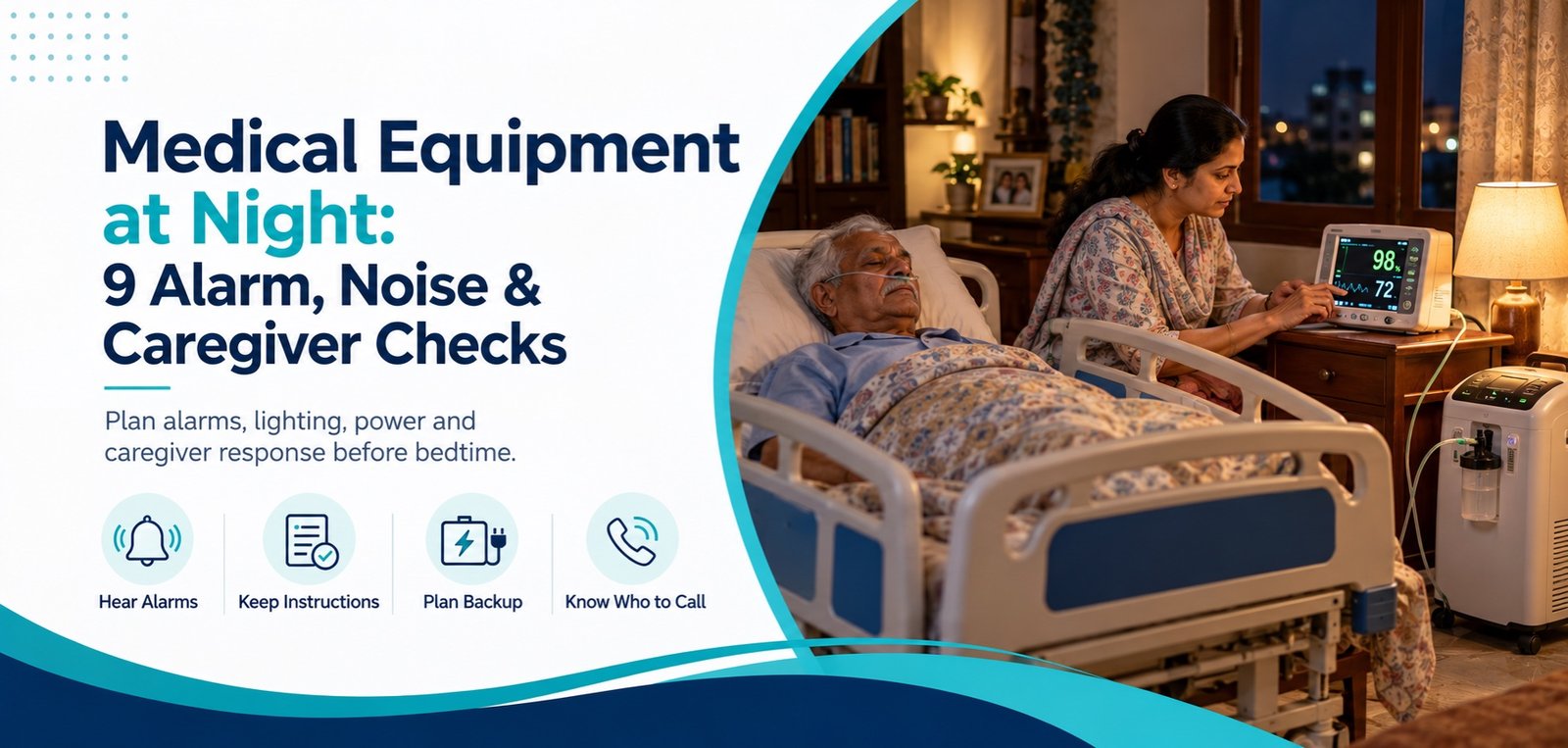
The house becomes quieter at night, but caregiving does not stop. A monitor may sound, an oxygen concentrator may make its normal operating noise, or a display may be difficult to read in a dark room. Families using medical equipment at night need a clear plan before everyone is tired.
Quick answer
Before using medical equipment at night, confirm which sounds are normal, what every alarm means, who will respond, what actions are permitted and when clinical or emergency help is required. Keep the instructions and contacts nearby, provide safe lighting, reduce competing noise and follow the treating team’s power and backup plan. Never change prescribed settings simply to make a device quieter.
These devices have different alarms, controls and backup needs. The treating team must define clinical settings and the response plan for the actual equipment used at home.
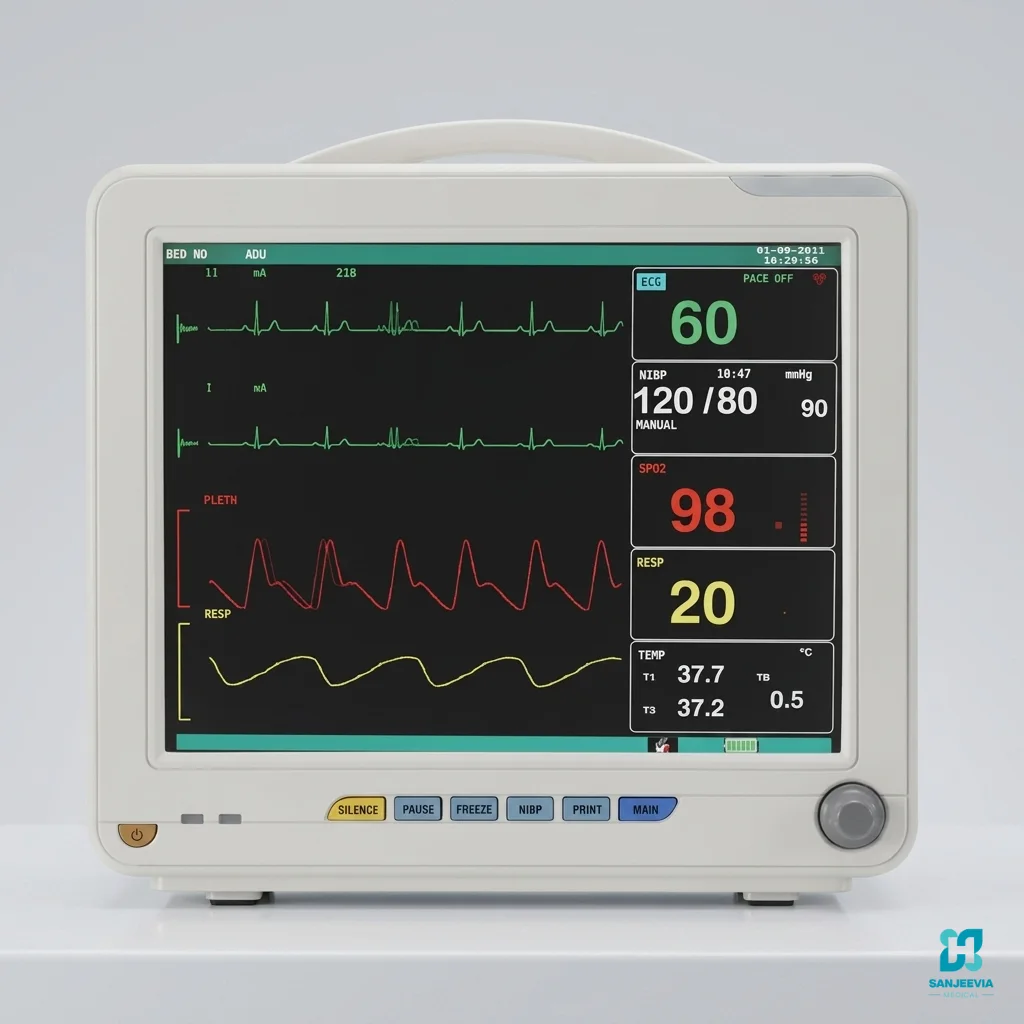
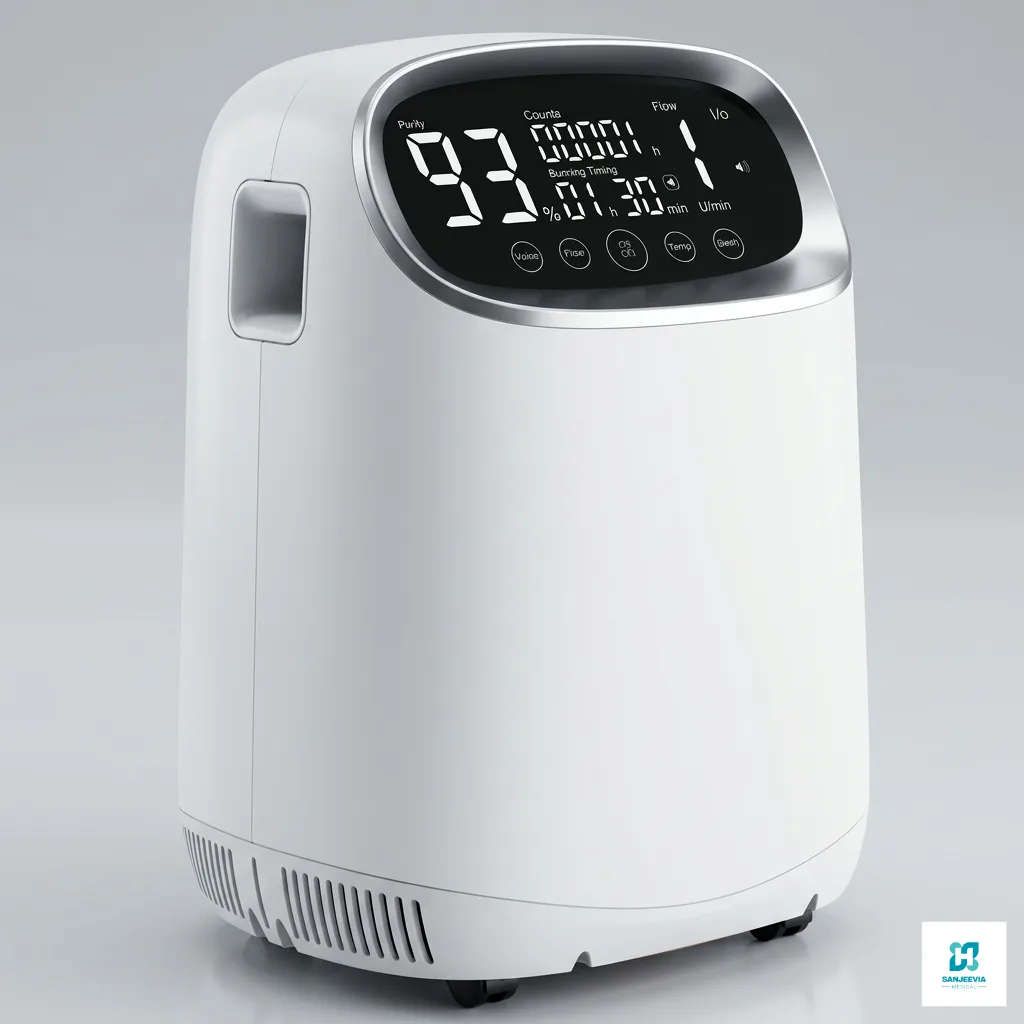
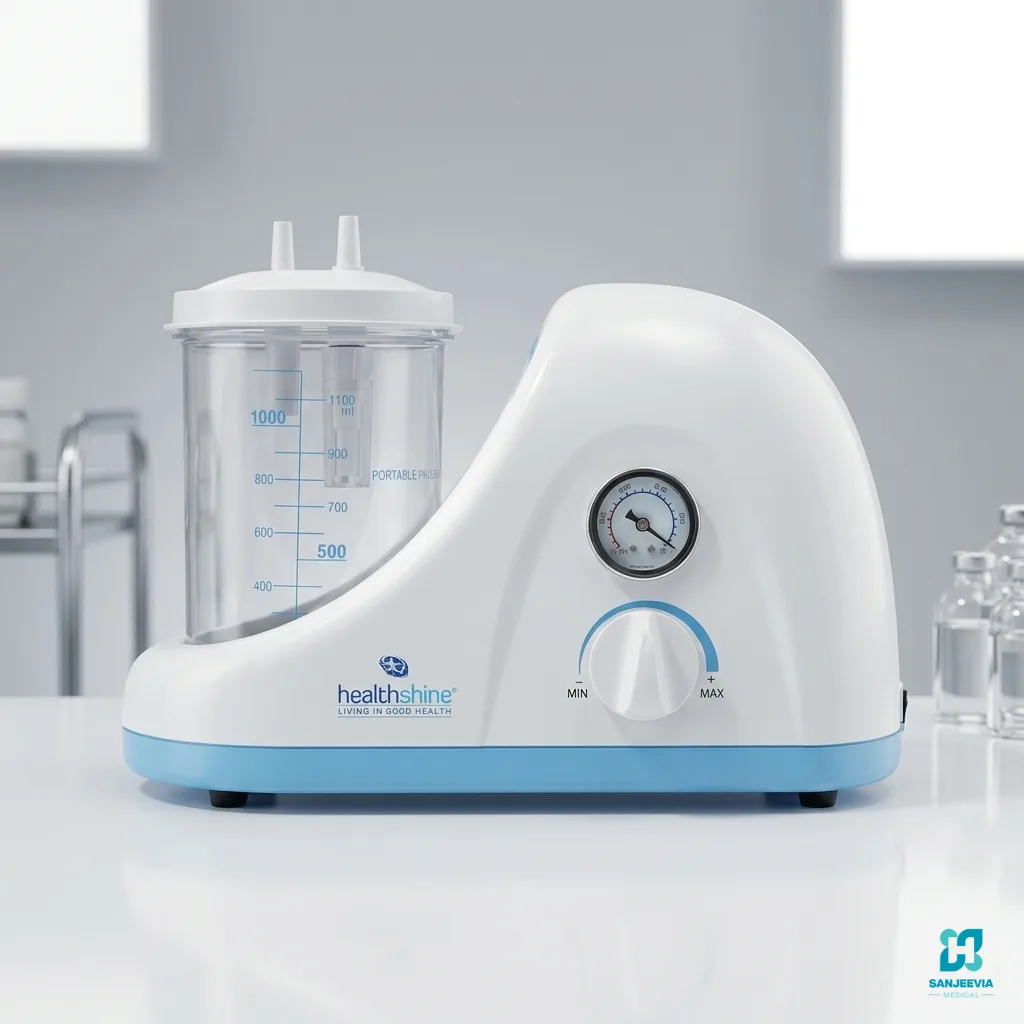
Why night-time equipment use needs its own plan
Darkness, closed doors, sleeping caregivers and television or fan noise can change how quickly a warning is noticed. The FDA’s home-device guidance notes that poor lighting can make equipment harder to operate and that background noise can interfere with hearing an alarm or normal device operation.
The aim is not to keep the household awake. It is to make the response predictable. The family should know what is normal for the actual model, which checks they were trained to perform and which events require immediate clinical help.
Nine checks before the patient sleeps
1. Learn the normal sounds first
Ask for a demonstration while the room is quiet. Listen to normal fan, pump or compressor sounds and compare them with the device’s alerts. Record the exact model because another model may use different tones or messages.
2. Understand every permitted alarm response
Keep the model-specific instructions close. The FDA home medical-device checklist advises users to understand alarms and error messages and contact the supplier when operation is unclear. Do not repeatedly reset, silence or restart a device without knowing the permitted action.
3. Decide who is responsible overnight
Name the person who will hear and respond. If caregivers work in shifts, include equipment status, current instructions and unresolved alerts in the handover. Equipment does not provide nursing observation by itself.
4. Check that the alarm can be heard
Stand where the caregiver will sleep and test only the approved alarm demonstration. Consider closed doors, fans, air conditioners, televisions and hearing difficulty. Do not increase or change alarm settings unless the treating team has authorised the change.
5. Provide safe, low-level lighting
Use enough light to see the patient, display, tubing, floor and controls without creating glare. Keep cables away from walking routes. Our guide to preparing a room for medical equipment covers space, access and electrical planning.
6. Confirm power and backup arrangements
Check that plugs are secure and the approved backup is ready. Do not connect an unapproved inverter, extension board or generator to medical equipment. For several devices in one room, review the space, power and caregiver checklist.
7. Secure sensors, tubing and patient-contact items
Before bedtime, check only what the caregiver was trained to check. Tubing should not be kinked, cables should not create a fall or entanglement risk, and sensors should follow the clinician’s placement instructions. Keep children and pets away from controls and cords.
8. Separate technical support from medical escalation
Write three contact routes: provider support for operation or equipment faults, the treating team for clinical questions, and emergency services for urgent deterioration. A support call cannot replace emergency care when the patient is struggling, unresponsive or otherwise seriously unwell.
9. Document the overnight plan
Write the device name, prescribed settings, normal indicators, allowed checks, backup action and contact numbers. If the equipment stops working, follow the patient-first steps in our guide to responding to rented equipment failure at home.
A simple bedside information card
| Write down | Why it matters |
|---|---|
| Device and model | Instructions and alarm meanings are model-specific |
| Normal display and sound | Helps the caregiver recognise a change |
| Permitted response | Prevents improvised setting changes |
| Provider and clinician contacts | Separates technical from clinical questions |
| Emergency and backup plan | Supports a faster response when treatment is interrupted |
Frequently asked questions
Should a caregiver switch off an alarm so the patient can sleep?
No. Do not silence or disable an alarm unless the device instructions and treating team have explained that exact action. First check the patient and follow the documented response plan.
Can the monitor be placed in another room to reduce noise?
Only if the approved setup and instructions allow it. The caregiver must be able to hear and respond to alarms, and cables or sensors must remain correctly positioned.
What should stay beside the equipment at night?
Keep the model-specific instructions, permitted alarm-response steps, provider support number, clinical contact and emergency plan where the caregiver can find them quickly.
Does an equipment alarm always mean the patient is deteriorating?
No. Alarms can indicate a patient change, a disconnected sensor, power problem or equipment condition. Check the patient first and follow the trained response rather than guessing from the sound.
Who decides alarm limits or oxygen settings?
The treating clinician. A rental coordinator can explain controls and specifications but cannot create or change clinical settings.
Educational home-equipment guide reviewed on 26 October 2026. Follow the instructions for the actual device and the patient’s individual clinical plan.
Next Read
Once the overnight setup is clear, continue with Which Medical Equipment Consumables Need Replacement? 12 Items to Confirm Before Renting.
