

An alarm at night or a device that suddenly stops can make a caregiver feel responsible for fixing it immediately. The safest first response is not improvised repair. It is to protect the patient, follow the clinical backup plan and give the support team accurate information.
Quick answer
If rented medical equipment stops working, check the patient first. Use the emergency or backup plan provided by the treating team, follow only the basic checks allowed in the device instructions, record the exact fault and contact the correct support number. Do not open the device, change prescribed settings or wait for routine support when essential treatment is interrupted or the patient is deteriorating.
Different devices have different failure risks and backup needs. Follow the supplied instructions and the treating team’s emergency plan for the actual model in the home.
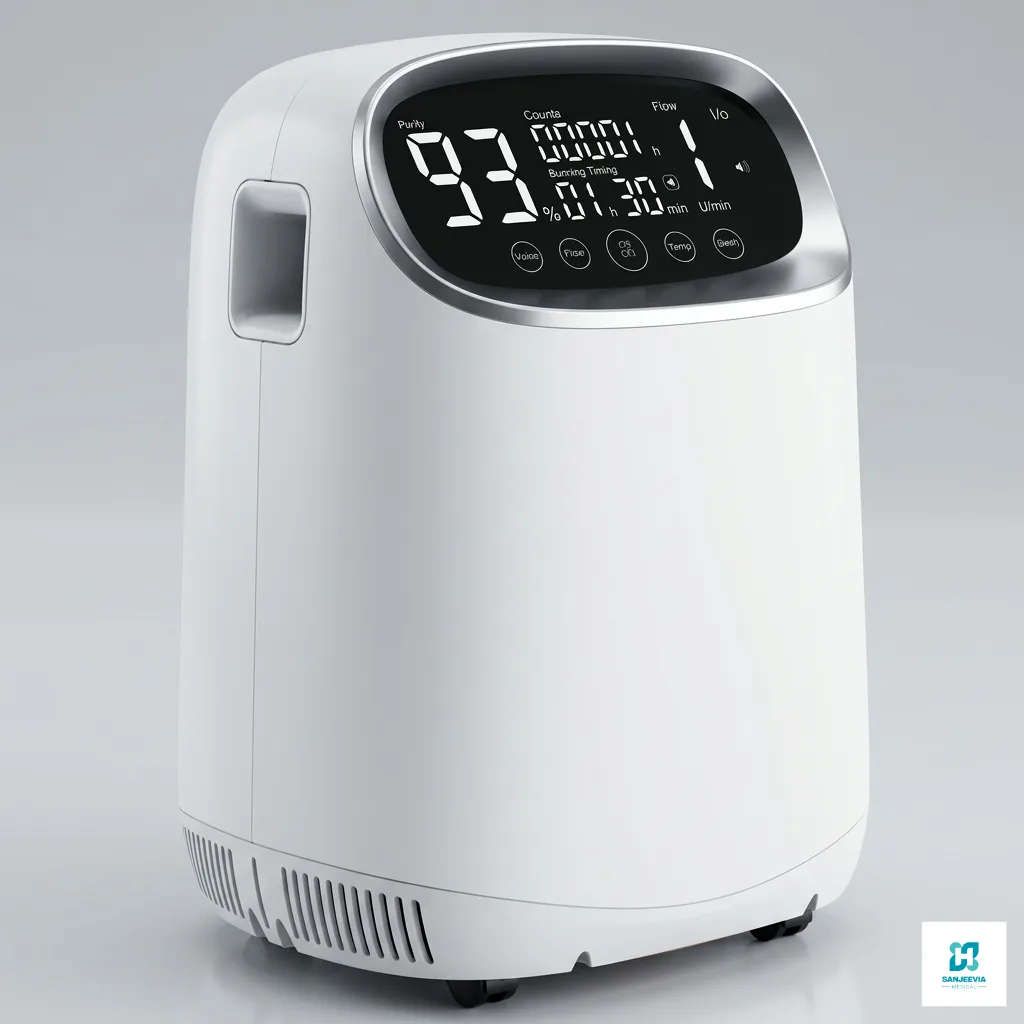
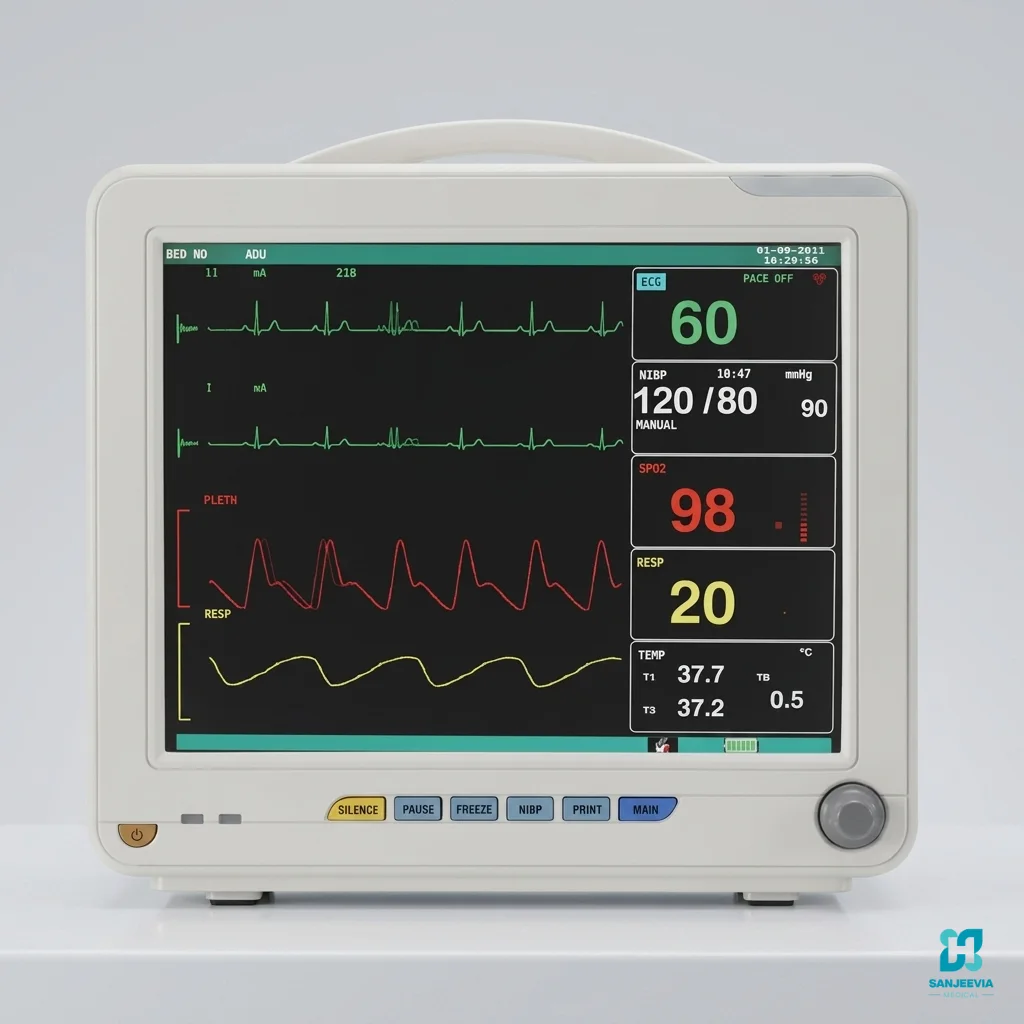
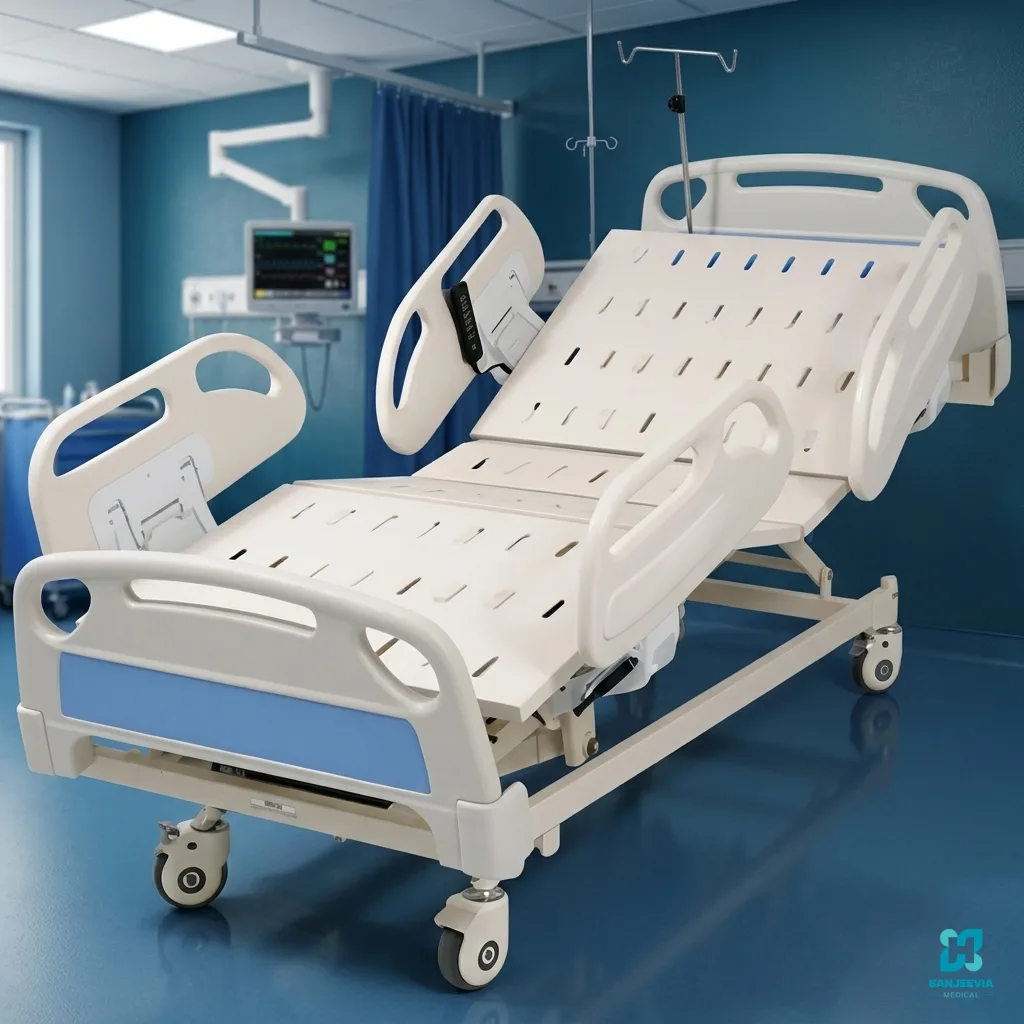
Separate the patient problem from the equipment problem
An error message may occur while the patient remains stable, or the patient may become unwell even though the device appears normal. Treat these as two parallel questions. Clinical deterioration belongs with the treating team or emergency service. A suspected equipment fault belongs with the provider or authorised technical support.
The FDA home-device checklist recommends knowing alarms, keeping instructions nearby, having backup supplies and maintaining emergency phone numbers. Those principles are especially important for mains-powered or treatment-critical equipment.
Ten actions when medical equipment stops working
1. Check the patient before checking the machine
Look for the signs and thresholds the clinical team told you to monitor. If the person is struggling to breathe, unresponsive, rapidly worsening or otherwise meets the emergency plan, seek urgent medical help immediately.
2. Start the agreed backup plan
Use only the backup device, supply or care action already specified for this patient. A spare battery, oxygen cylinder or manual bed control is useful only when it is part of the approved plan and the caregiver knows how to use it.
3. Read the exact alarm or error message
Do not summarise every alert as “machine not working.” Note the words, code, indicator colour and time. Check the user instructions for permitted actions, such as confirming the power connection or an externally accessible component.
4. Stop if there is heat, smoke, liquid or visible damage
Keep the patient away from an unsafe device and follow the emergency plan. Do not reconnect wet equipment or continue using damaged wiring. The FDA emergency guidance advises contacting the distributor or manufacturer when a device appears damaged.
5. Confirm ordinary external conditions
Check only what the instructions permit: power at the socket, an accessible plug, a charged external battery, ventilation openings and clearly connected external accessories. Do not use an improvised adapter, extension or power source.
6. Do not alter treatment settings
A fault does not authorise a new oxygen flow, respiratory pressure, alarm limit or infusion rate. Settings remain a clinical decision. Tell support what the display shows without experimenting.
7. Record the equipment identity
Photograph or write down the model, serial or rental asset number and supplied accessories. This helps the team distinguish your unit from a similar model and identify compatible parts or replacement options.
8. Contact the correct support route
Use the number on the handover record or rental agreement. State whether essential treatment has stopped, whether the backup plan is active and whether the patient is stable. For Sanjeevia rentals, review the equipment breakdown and replacement policy and contact the team using the confirmed support channel.
9. Keep a short incident timeline
Record when the issue began, what the patient was doing, the displayed message, the actions taken and the response received. This prevents several family members from repeating or contradicting the history.
10. Recheck the handover after service or exchange
Before relying on repaired or replacement equipment, confirm its identity, accessories, settings, basic operation and caregiver demonstration. The World Health Organization describes inspection, training and maintenance as connected parts of safe medical-device management in its medical-device maintenance guidance.
Information to keep beside the equipment
- Device name, model and rental identifier
- Provider and after-hours support contacts
- Clinical and emergency contacts
- Approved backup plan
- Permitted user checks
- Consumable and accessory details
Families using several devices in one room can organise this information with our space, power and caregiver checklist.
Frequently asked questions
Should I restart a medical device when it alarms?
Only if the supplied instructions or trained support person directs that action. Do not repeatedly reset a device without understanding the alarm.
Is an equipment fault always a medical emergency?
No, but a patient whose essential treatment is interrupted or whose condition is worsening may need urgent clinical help. Follow the emergency plan rather than waiting for routine service.
Can I open the machine or replace an internal part?
No. Do not dismantle, modify or repair rented medical equipment unless an authorised technician has specifically instructed a permitted user action.
What information should I send support?
Share the model or asset identifier, time of the problem, exact alarm text, visible condition, power status and actions already taken. Do not send unnecessary medical records.
Will every fault result in an immediate replacement?
Replacement depends on the confirmed fault, equipment, availability and rental terms. The team must first identify the safe next step.
General safety information reviewed on 25 October 2026. Follow the actual device instructions and the patient’s clinical emergency plan.
Next Read
After resolving the fault, review the original package: What Is Included With Medical Equipment Rental? 12 Things to Confirm.
