
Prepared for Indian institutional buyers, clinics, dealers and distributors. Updated 8 November 2026.
When you compare medical equipment quotations, two similar product descriptions can hide very different configurations. A hospital purchase team may receive one offer with a mattress and another for the bed frame alone. A dealer may compare monitors without noticing different patient accessories. A clinic may approve a quotation that says ‘warranty included’ without identifying the coverage. This guide gives Indian hospitals, nursing homes, clinics, dealers and distributors a repeatable way to compare offers before committing to an order. Keep it beside your BOQ and use the worksheet to record clarification against every line.
Check the complete equipment configuration
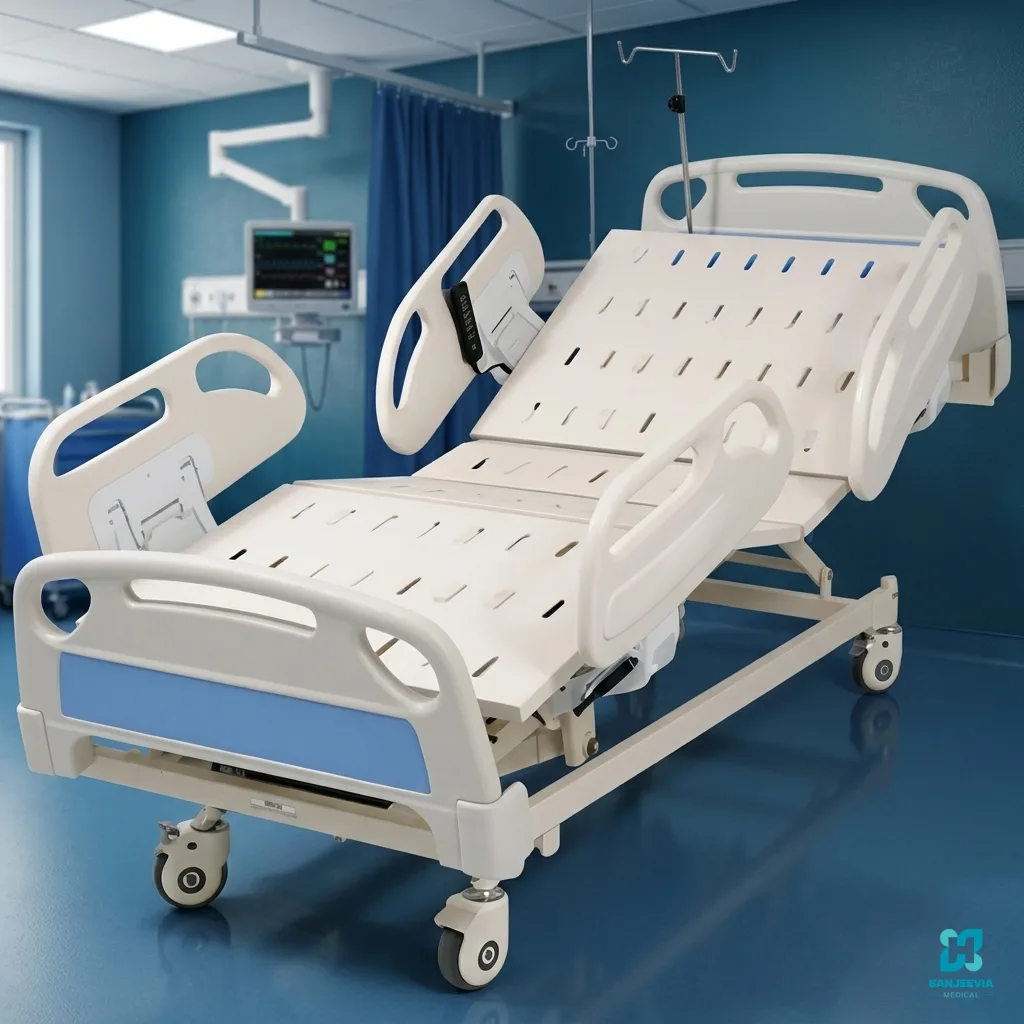
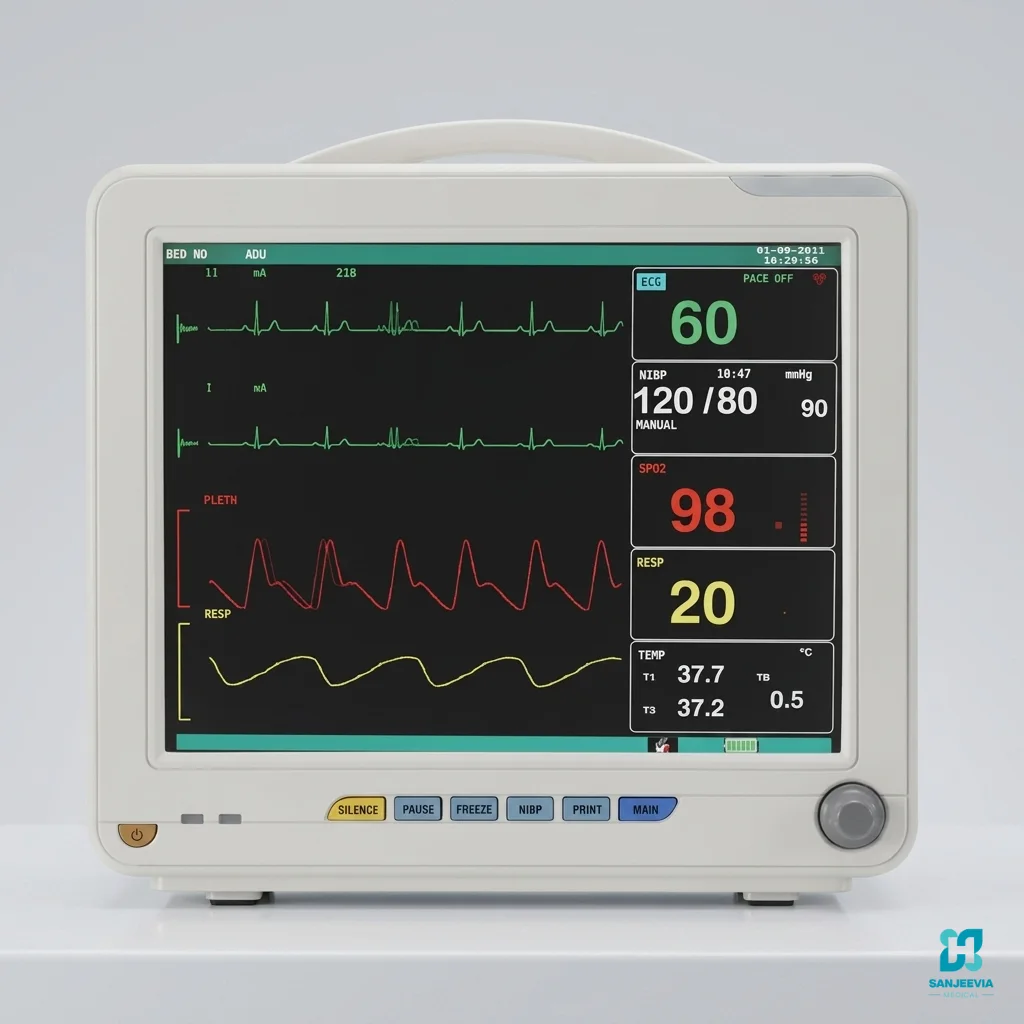
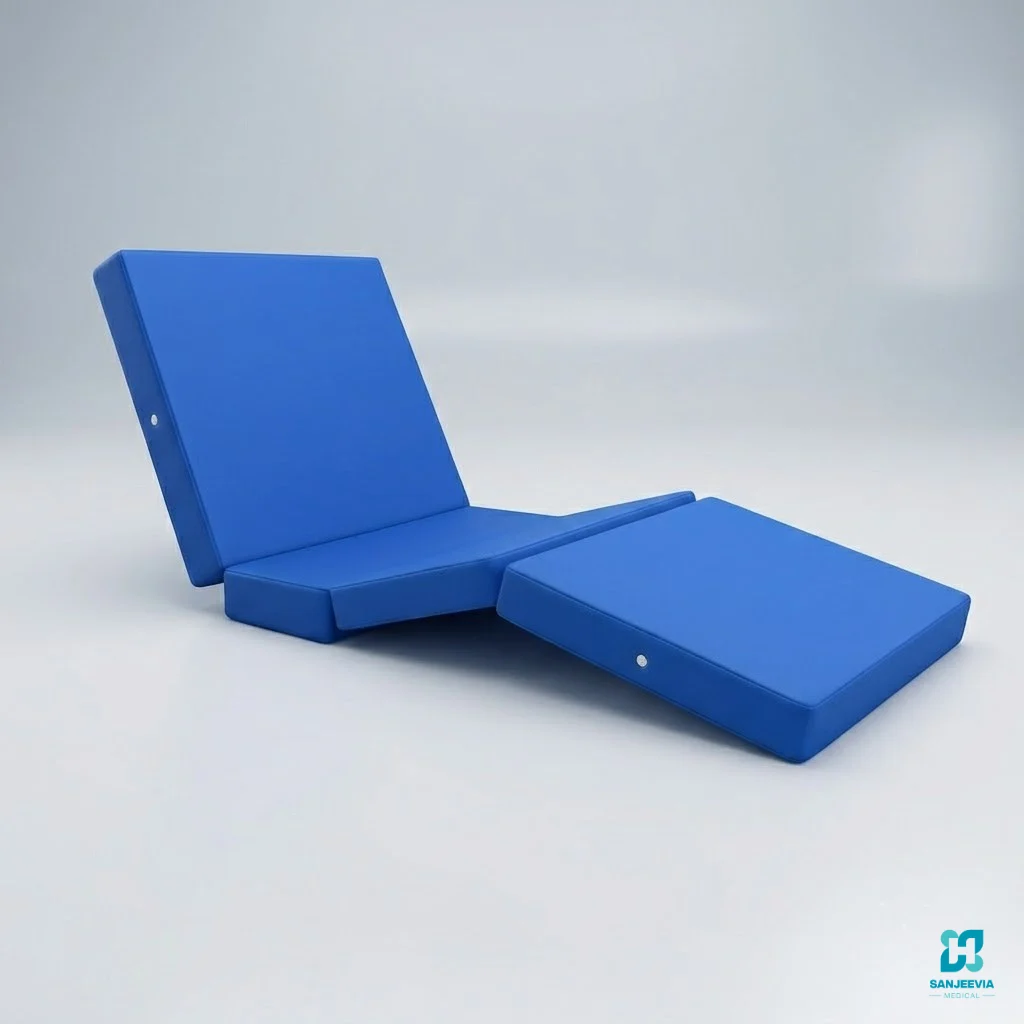
Review these Sanjeevia products, then confirm the exact configuration and quantity in your B2B enquiry.
First, give every quotation the same reference point
Start with an approved requirement sheet. It should show the intended use, essential specifications, quantities, accessories and location. Without that common starting point, the offers may answer different questions even when they use the same product category name.
Use our B2B procurement checklist for the wider purchasing process. This article focuses on the next stage: identifying the differences between offers already received.
Make three columns for every BOQ line: required, offered and clarification needed. Record evidence beside the offered specification. Avoid ticking ‘compliant’ because a brochure title sounds close to your requirement.
1–3. Match the model, performance and product condition
1. Exact manufacturer and model
Record the complete model name and version where relevant. Similar names can refer to different functions, controls or accessory interfaces. Product photographs are reference images unless the quotation confirms the exact configuration. Ask for the datasheet or manual matching the offered unit.
2. Required performance and intended use
Compare the functions your clinical team actually needs. For a bed, check the specified movements, dimensions and load ratings. For a monitor, check parameters, patient group, alarm functions and required accessories. Extra features do not compensate for a missing essential function.
3. New, used or refurbished condition
Record the offered condition explicitly and ask how it affects warranty, documentation and acceptance. Where operating history or service records are relevant, request them before approval. The new versus used oxygen concentrator guide explains why condition needs its own assessment rather than an assumption.
4–6. Reconcile accessories, compatibility and recurring items
4. Included equipment and accessories
Separate the main unit from everything needed to use it. A bed requirement may need an appropriate sectioned hospital bed mattress, selected side structures, handset and other agreed items. A monitor requirement needs the specified cuffs, probes and cables. Mark each item included, optional or excluded.
5. Compatibility of the complete configuration
Check the exact accessory or consumable against the device model and intended patient group. Connector shape, a generic ‘universal’ label or a similar photograph does not prove compatibility. Ask for the manufacturer’s compatibility information where relevant.
6. Consumables and replacement availability
Identify recurring items such as compatible infusion sets, tubing, filters, electrodes and patient-contact accessories. Confirm the specified type and replacement arrangements. For pumps, an apparently similar set may have different compatibility requirements. Use Sanjeevia’s consumables checklist to separate reusable, single-patient and single-use items.
7–9. Compare warranty, support and installation scope
7. Written warranty coverage
Record duration, start event, covered components, exclusions, claim route and required documents. Ask whether batteries, probes, cables and other accessories have different terms. Avoid relying on an informal assurance when the written offer says something narrower.
8. Support for the actual destination
A national enquiry should include the city and pin code for every site. Ask how a fault is reported, how the serial number is identified and what happens after diagnosis. Clarify whether site assessment, repair or replacement is available under the proposed terms. Do not interpret a response acknowledgement as a guaranteed resolution time.
9. Installation, demonstration and user information
Check what is included, who must attend and what closes the installation or handover record. A short device demonstration and clinical training are different activities. Patient-specific decisions remain with the authorised clinical team. Review the actual offered electric bed or monitor configuration with the intended users before approval.
10–12. Check documentation, commercial clarity and acceptance
10. Applicable product documentation
List the documents required for each model and transaction. Check the applicable Indian regulatory position through CDSCO’s medical-device resources. If a standard is claimed or specified, use BIS Know Your Standard to identify the relevant standard information. A collection of logos does not establish compliance for every quoted item.
11. Validity, taxes and payment milestones
Confirm the quotation’s validity date, tax treatment, invoice entity, payment milestones and cancellation or change conditions. Ask your accounts team to check the commercial documents. For repeat orders, confirm the current offer rather than assuming old terms remain valid.
12. Inspection and acceptance
Define who will verify the model, quantity, condition, accessories, documentation and agreed functional checks. Record how short supply, damage or a non-matching configuration will be reported and resolved. Receipt of a package should not automatically be treated as full technical acceptance.
Copy this quotation comparison sheet
| Comparison field | Offer A | Offer B | Clarification required |
|---|---|---|---|
| BOQ line and exact model | Record model | Record model | Same intended use and configuration? |
| Condition and essential functions | State explicitly | State explicitly | Any deviation needing approval? |
| Accessories and compatibility | List inclusions | List inclusions | Which required items are excluded? |
| Consumables | Type and availability | Type and availability | Replacement compatibility confirmed? |
| Warranty and support | Written scope | Written scope | Location and accessory exclusions? |
| Installation and documents | Scope and evidence | Scope and evidence | What remains for the buyer? |
| Validity and acceptance | Dates and conditions | Dates and conditions | Who approves the final offer? |
Mark differences as essential deviation, acceptable alternative or clarification pending. Settle essential deviations before your purchase team signs off. The Government of India procurement manuals provide a useful reference for structured specifications and evaluation. A private buyer should apply its own approved purchasing process.
Ask Sanjeevia for a proposal against your approved BOQ
Send your equipment list, required configurations, quantities and locations through Sanjeevia’s B2B enquiry page. State which accessories, documents and installation activities your team needs included. Sanjeevia can prepare an itemised proposal and clarify the offered configuration so your purchase team can evaluate it against the same requirement.
Hospitals and clinics can enquire for an institutional project. Dealers and distributors can send a specific bulk or repeat-order requirement. Availability and product-specific support are confirmed in the proposal. Remove confidential commercial information from other organisations before sharing a comparison brief.
Frequently asked questions
How do I compare two medical equipment quotations?
Match both to the same approved requirement. Compare exact models, condition, essential functions, accessories, compatibility, warranty, support, installation, documents and acceptance terms before completing the commercial evaluation.
Are two 3-function beds automatically equivalent?
No. Functions alone do not establish identical dimensions, load ratings, controls, side structures, mattress compatibility or included accessories. Compare the exact models and written configurations.
What should an Indian hospital include in an RFQ?
Include the intended use, BOQ reference, minimum specification, quantity, patient group where relevant, accessories, location, timeline, documentation and acceptance requirements.
Can a dealer ask Sanjeevia for bulk and repeat-order quotations?
Yes. Submit the exact products or specifications, quantities, destination and required date. Sanjeevia can review the enquiry and confirm the current proposal and applicable terms.
Should the product page replace the quotation?
Use the product page for initial research. The final purchase decision should refer to the current written offer with the approved model, configuration, quantity, inclusions and terms.
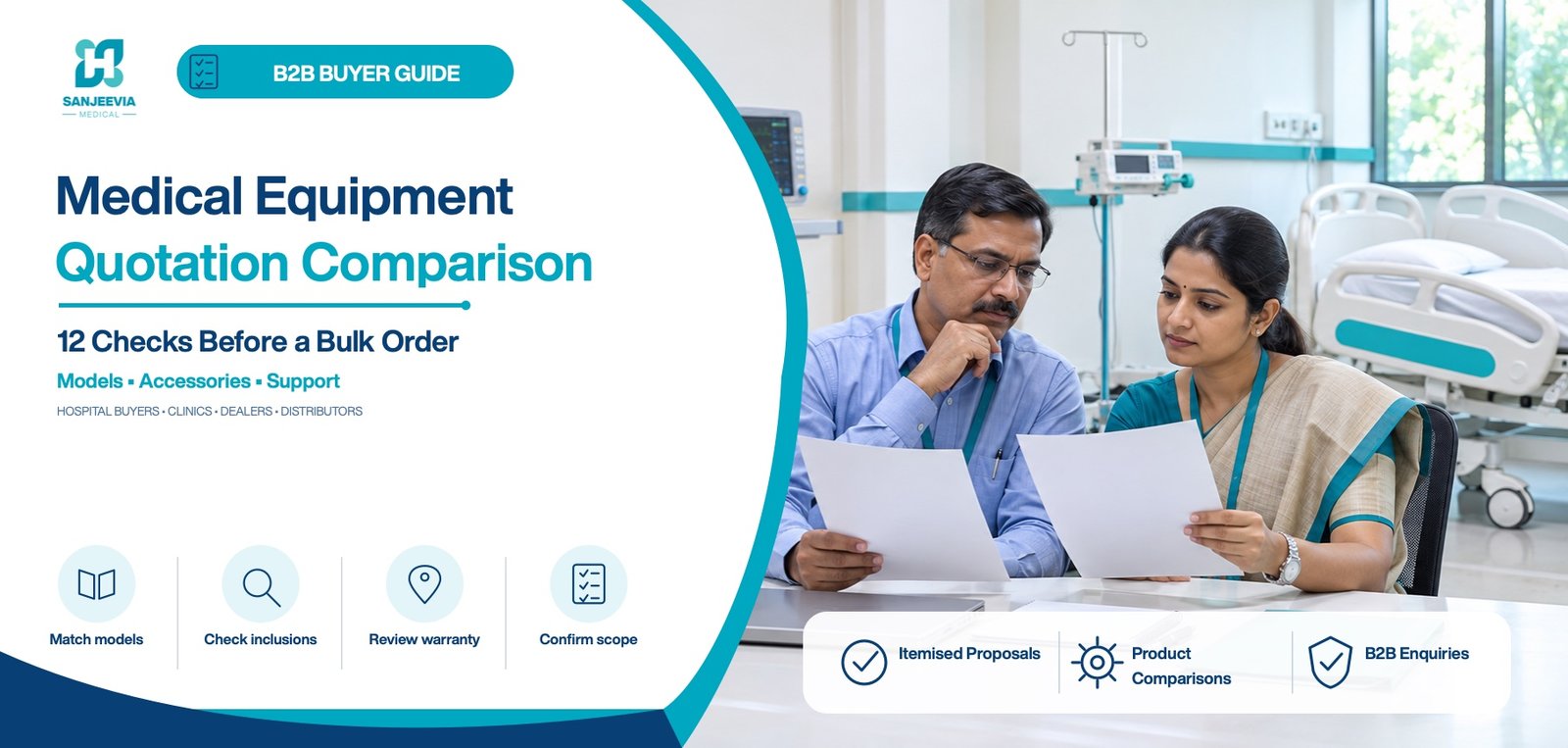
Banner: illustrative scene, not a photograph of a Sanjeevia facility or a specification for a particular model. Confirm product specifications and project scope in the written quotation.
