
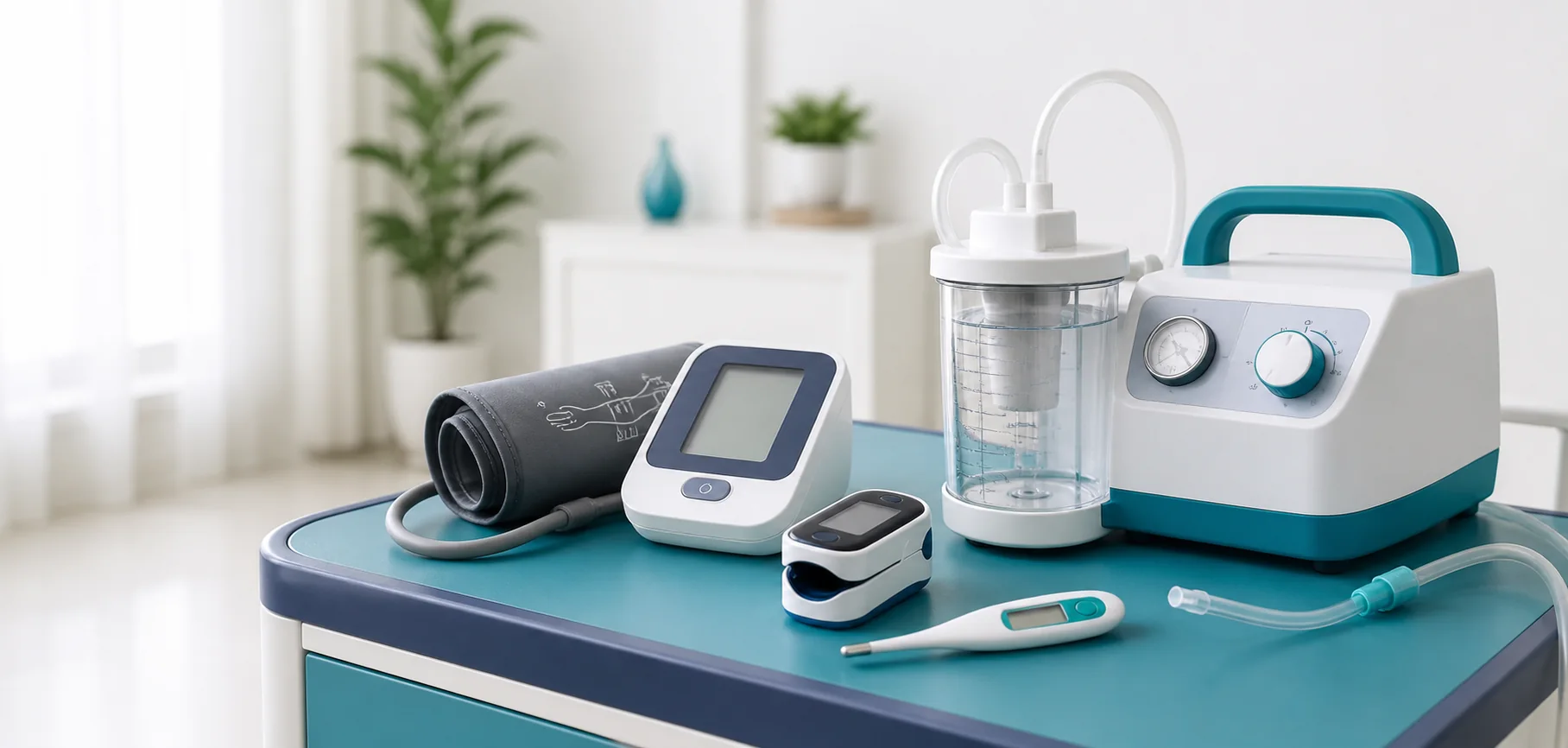
Quick answer: When considering how to clean a pulse oximeter, use an appropriate authorised device, correct technique and a written clinical action plan. Record symptoms and trends, not only one number, and never change medication, oxygen or respiratory settings solely from an unreviewed home reading.
Understanding “How to Clean a Pulse Oximeter”
Pulse oximetry estimates oxygen saturation and pulse. The FDA notes limitations related to circulation, skin pigmentation, skin temperature, movement, nail polish and other factors. Use symptoms and the patient-specific plan as well as the number.
Define what is being monitored and why
Ask the clinician which parameters to measure, when to measure them, what sensor or cuff to use, acceptable range for this patient, symptoms that override the number, and whom to contact. Avoid creating generic alarm limits or internet thresholds for a person with a complex condition.
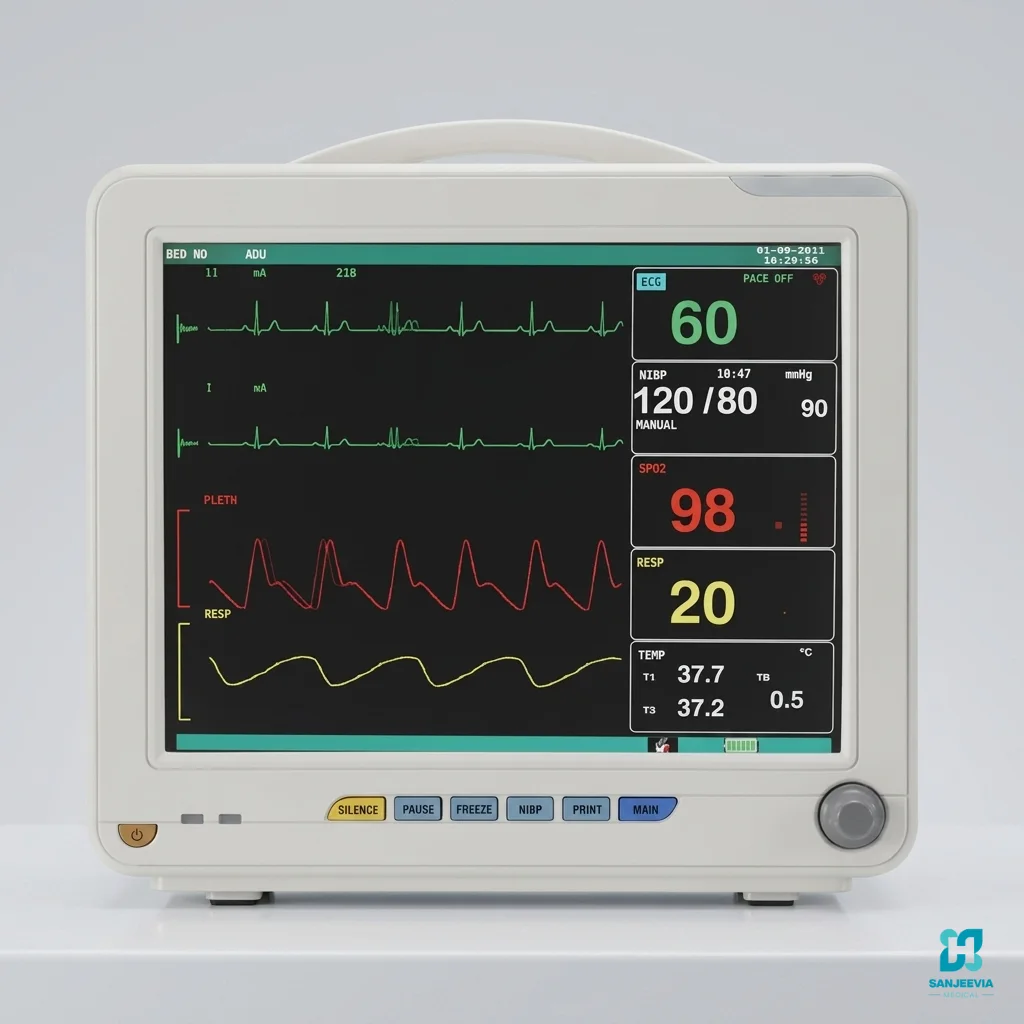
A multi-parameter monitor may combine ECG, oxygen saturation, pulse, blood pressure, respiratory rate or temperature depending on configuration. More parameters do not automatically improve home care; they add sensors, artefact and alarm workload.
Related Sanjeevia guides include patient-monitor numbers and alarms, alarm escalation and ventilator monitoring context.
Use consistent measurement technique
Follow the manual and clinician’s demonstration. For pulse oximetry, use the approved site, warm the hand when appropriate, remove interfering polish when advised, minimise movement and wait for a stable signal. For blood pressure, use the correct cuff size and placement, support the arm and follow the requested rest period.
For ECG or multi-parameter sensors, prepare skin and place electrodes as trained. Do not move leads to chase a number. Replace dried, loose or damaged sensors according to instructions.
Artefact, unreliable readings and alarms
Check the patient first. A technically perfect-looking value can still conflict with serious symptoms, and an alarming value can be caused by movement, poor contact, cold skin, wrong cuff size or loose lead. Repeat only as the plan instructs and do not delay urgent care to keep troubleshooting.
Record the displayed value, signal-quality indicator, symptoms, body position, oxygen or respiratory support, time and what happened just before the reading. Persistent unexpected readings need clinician review; repeated equipment errors need provider support.
Logging trends and escalation
Use a dated log with time, reading, symptoms and relevant medicines or support. Do not selectively record only unusual values. Bring the device and log to review so technique and accuracy can be checked against clinical measurements when needed.
Seek emergency help for severe breathing difficulty, chest pain, collapse, new confusion, one-sided weakness, blue or grey lips or another emergency symptom in the plan—regardless of the display.
Rental, cleaning and maintenance
Confirm the exact monitor and modules, authorised intended use, sensors, cuffs, leads, batteries, charger, setup, alarm configuration, service, breakdown replacement and consumable costs. FDA has warned against unauthorised devices that claim to measure blood pressure, including some wearable software features.
Clean the display, cable, sensor and cuff only as the manufacturer instructs. Avoid fluid ingress and damaged insulation. Replace contaminated single-use accessories and keep each patient’s cuffs and sensors identified.
Device selection, validation and comparison
Choose a device authorised for the intended measurement and suitable for the user’s body size, rhythm, circulation and ability to apply it. Consumer wellness features are not automatically medical monitors. Ask the clinician whether the home device should be compared with a clinic measurement and how often technique should be reviewed.
Keep model, serial number, cuff or sensor size, software version when relevant and service date in the log. If a replacement device produces a new pattern, do not merge the trend silently; document the change and ask the team how to interpret it.
Caregiver workflow and communication
Use a consistent sequence: confirm identity, explain, check symptoms, prepare the correct sensor, measure, assess signal quality, record result and follow the action plan. Avoid repeated measurements that delay care or cause cuff discomfort. Hand over unresolved abnormal results and calls already made.
When reporting to a clinician, give the patient’s symptoms, time, position, support in use, device and sensor, repeated result if instructed, medicines due and recent changes. A number without context is less useful.
Power, storage and data privacy
Keep approved spare batteries or charging equipment ready, inspect battery compartments and protect devices from heat, moisture and drops. Store cuffs and sensors clean and untangled. If readings sync to an app, protect account access and confirm which clinician actually reviews the data; uploading does not guarantee real-time monitoring.
Delivery, demonstration and written records
Before delivery, confirm the route, stable equipment location, suitable power where needed, lighting, storage for clean supplies and a clear place for instructions. Have the patient’s assessment or prescription available so the installer can compare the delivered model and accessories with the order.
At handover, ask the provider to demonstrate setup, normal operation, user checks, cleaning boundaries, consumable replacement, alarm or fault response, backup and safe shutdown. Every regular caregiver should perform a return demonstration rather than only watch. Photograph the assembled configuration and labels without recording private patient information.
- Record model, serial or asset number and delivery condition.
- List every included accessory and personal-contact part.
- Keep the manual, clinical plan and support numbers together.
- Confirm preventive maintenance and breakdown replacement.
- Clarify exchange, pickup, deposit and damage terms.
Review the setup after a hospital visit, fall, new symptom, caregiver change, home modification or equipment exchange. Stop using a damaged or unsuitable component and contact the responsible clinician or provider; do not create an improvised workaround simply to continue the routine.
Frequently asked questions
Can one normal reading rule out a problem?
No. Symptoms and clinical context matter.
Can I use a smartwatch for blood pressure?
Use only an authorised device appropriate to the clinical need and follow clinician advice.
Should alarm limits be widened to reduce noise?
Not without clinician authorisation. Investigate the patient and sensor cause.
Can readings change with movement?
Yes. Motion and poor sensor contact can create artefact.
Sources and further reading
Medical boundary notice: This article is general education, not diagnosis or permission to change treatment from home readings.
Need help arranging prescribed monitoring? Contact Sanjeevia Medical with ordered parameters, sensors, alarm plan and rental duration.
Published by Sanjeevia Medical.