
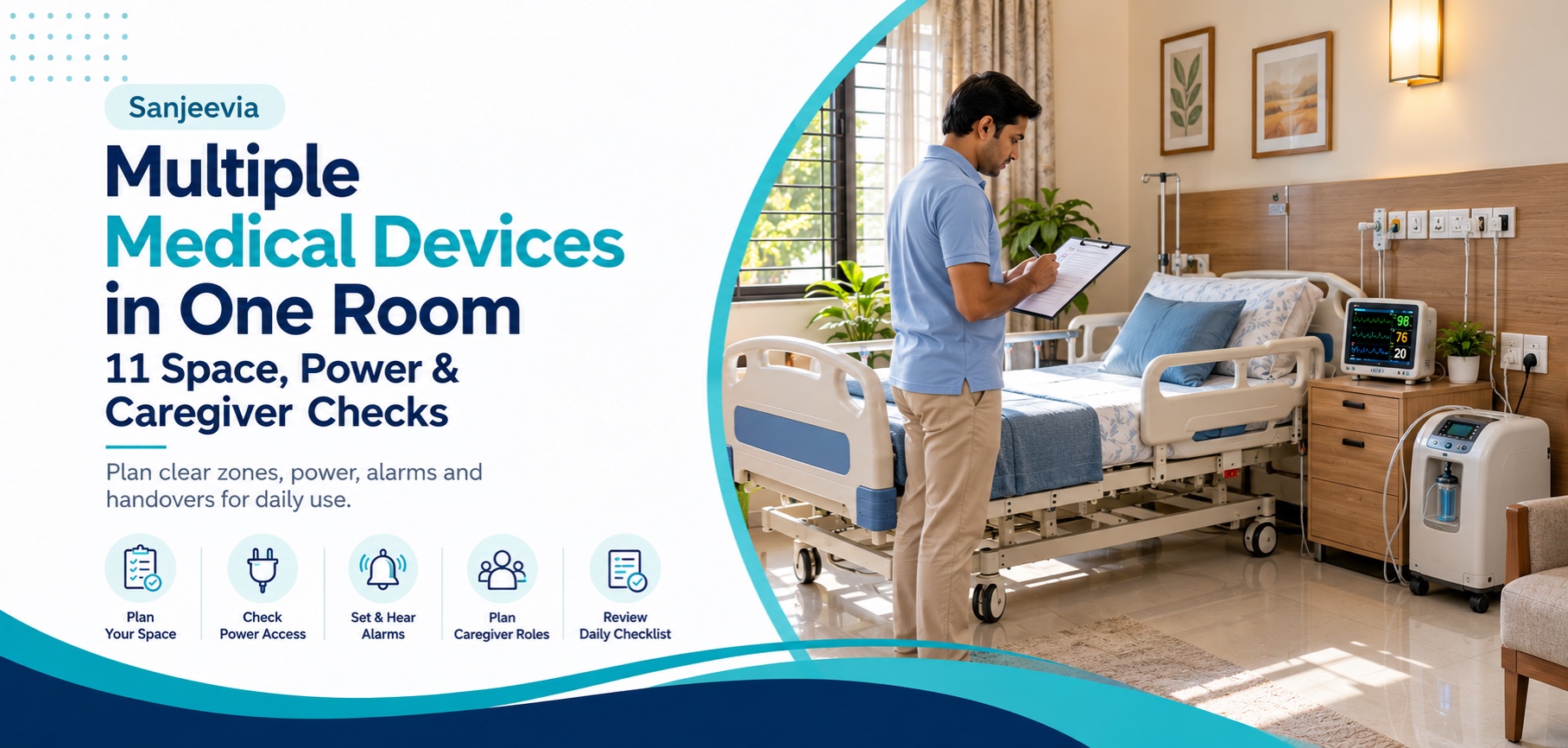
When several devices enter one bedroom, the room can quickly become difficult to use. A hospital bed, oxygen device, monitor and mobility aid each have their own position, controls, cables, supplies and instructions. Safe use depends on more than fitting everything inside. Planning multiple medical devices at home means protecting the patient’s route, the caregiver’s working area and each device’s operating conditions.
This guide focuses on daily room organisation after the equipment has been selected by the treating professionals. It does not recommend a home ICU package or tell a family which devices a patient needs.
Quick answer: how should multiple devices share one room?
Create one written device list, place every item according to its instructions and keep a clear route for the patient and caregiver. Confirm power, ventilation, alarm, tubing, cleaning and backup requirements separately for every device. Assign a caregiver to each action and obtain hands-on demonstrations before the setup is relied on.
No standard device package is implied. Every device, setting, accessory and backup arrangement must match the treating professional’s written plan.
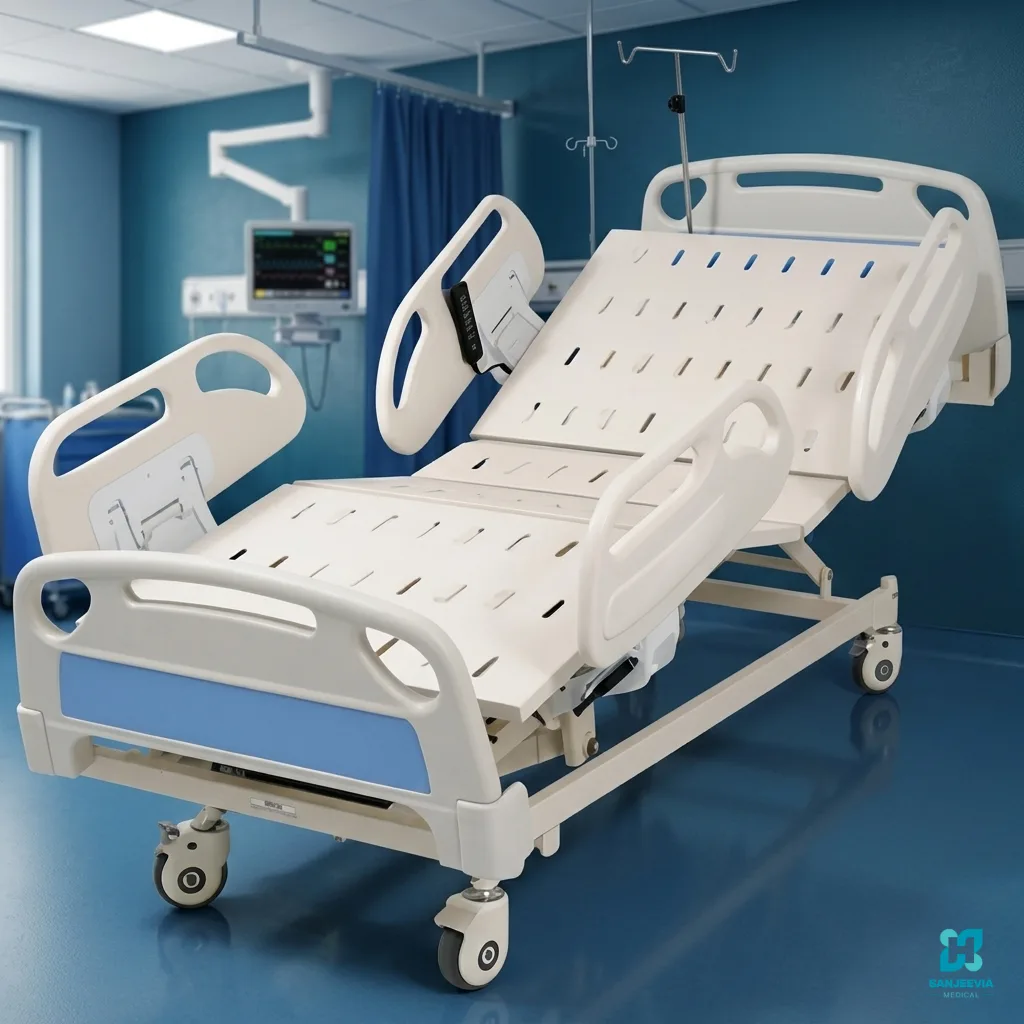
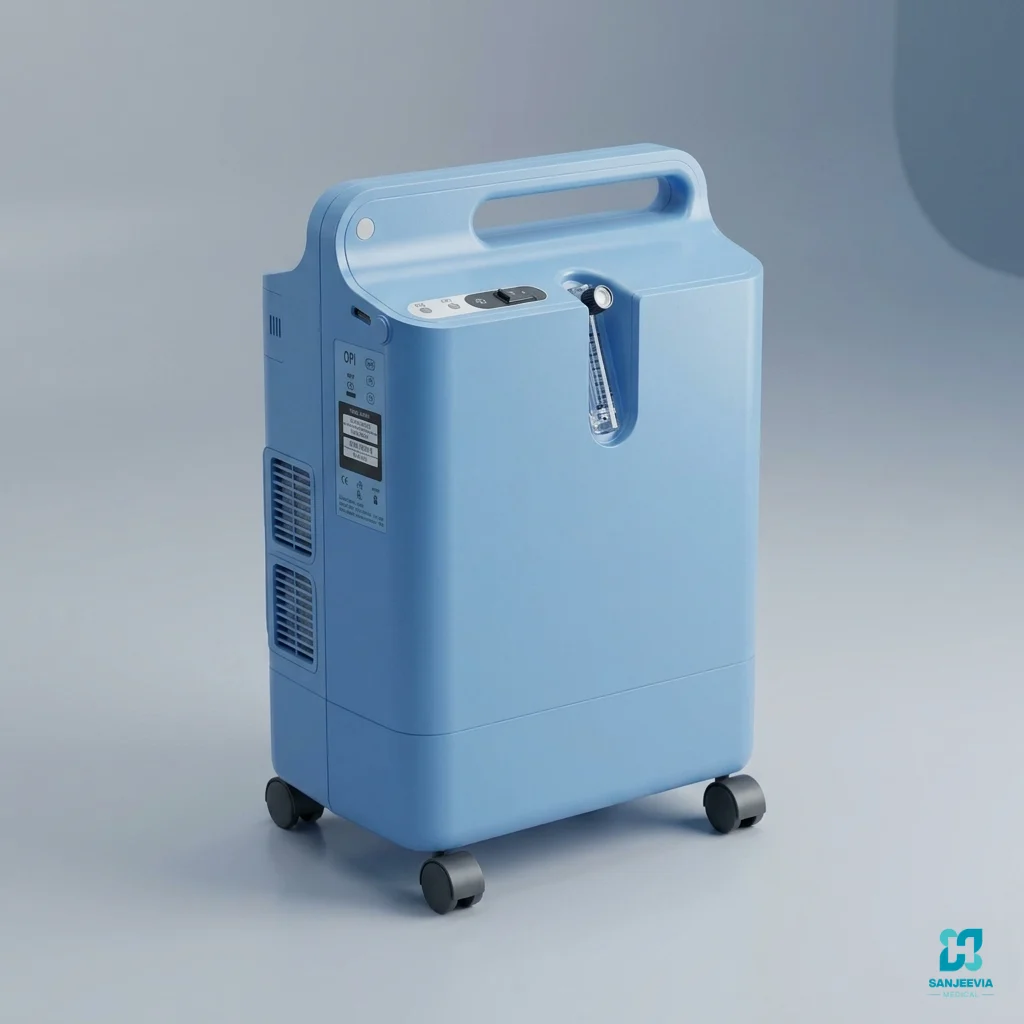
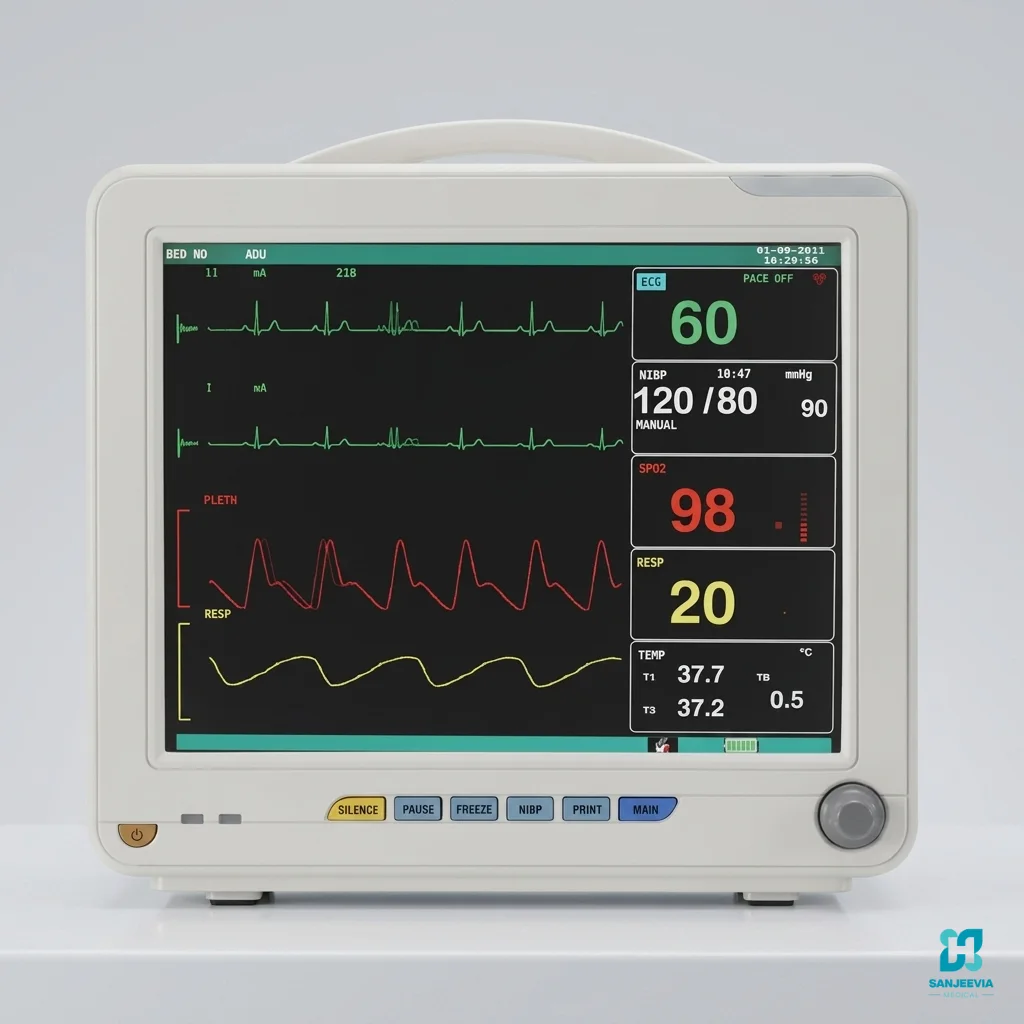
Using multiple medical devices in one room
| Room zone | Purpose | Check before use |
|---|---|---|
| Patient zone | Bed, chair and clinically required connections | Positioning, transfers and reach assessed by the care team |
| Caregiver zone | Working space beside controls and the agreed transfer side | No furniture, cords or supplies blocking access |
| Device zone | Stable location for each powered or respiratory device | Manufacturer clearances, ventilation and orientation followed |
| Supply zone | Clean accessories, instructions and labelled consumables | Separated from used items, food, liquids and waste |
| Exit route | Doorway and emergency access | Kept clear at all times |
Eleven checks for a workable daily setup
1. Keep one approved device list
Write the exact device, model, prescribed setting or clinician instruction, supplied accessories and responsible contact in one place. Do not replace a precise requirement such as a prescribed oxygen flow or monitor configuration with a broad label such as “oxygen machine” or “monitor.” Similar-looking devices can have different intended uses.
If several rentals are still being arranged, first use the guide to coordinating multiple medical equipment rentals. The present article begins after the requirement list exists and focuses on running the room each day.
2. Draw the room before moving equipment
Mark the bed, doors, windows, fixed sockets, bathroom route and usual caregiver position. Add the actual dimensions of every device and the clearance stated by its manufacturer. A rough plan helps identify conflicts before a heavy bed is assembled or a powered device is connected.
Keep the agreed transfer side and the route for a standard manual wheelchair clear if one forms part of the assessed plan. Do not reduce working space simply to make the room look tidy. Our room-preparation checklist explains how to measure the complete access route.
3. Confirm the electrical requirements device by device
List the plug, voltage, power consumption, battery status and permitted connection method for each powered item. Ask whether the home’s sockets and circuit are suitable. Do not assume that a domestic extension board, adapter or inverter can safely support several medical devices. Use only arrangements permitted by the device instructions and checked by an appropriately qualified electrician when wiring advice is required.
The US FDA home-device checklist advises families to ask about electricity, running water, connections, stairs, doorways and house wiring. It also recommends keeping instructions close to each device and knowing what to do if it fails.
4. Keep cords and tubing out of movement routes
A cable or tube should not cross the path used for transfers, toileting or walking unless the approved setup includes a safe way to manage it. Do not tape, extend, coil tightly, disconnect or reroute medical tubing without following the manufacturer’s instructions and the care plan. Keep connectors identifiable so accessories are not joined to the wrong device.
Protect cables and tubes from furniture wheels, liquids, heat, pets and children. The FDA’s home-use connector information highlights that respiratory, feeding, urinary and intravenous systems may use different connector standards. Families should recognise the correct components rather than forcing an unfamiliar connection.
5. Preserve ventilation and manufacturer clearances
Powered devices may need open space around vents or specific operating positions. Do not push a concentrator, monitor or control box against bedding or cover it to reduce noise or light. Keep drinks and cleaning liquids away from electrical equipment. Follow the supplied manual for temperature, moisture, dust and ventilation requirements.
If prescribed oxygen is part of the plan, compare the actual model against the clinician’s written order. The listed 5-litre stationary oxygen concentrator requires mains power and correct operation. It is not a battery-operated portable device and must not be treated as the only backup merely because it is beside the bed.
6. Make alarms audible and assign a response
Ask the qualified professional to explain every relevant alarm and the immediate actions permitted for the caregiver. Test whether the normal caregiver can hear it from the places they use, but do not change alarm limits or volume outside the approved instructions. An alarm is a prompt to assess the person and equipment, not a diagnosis.
A five-parameter patient monitor can display readings and configured alarms when clinically recommended. It does not diagnose deterioration, provide remote surveillance or replace direct observation. The care team must set patient-specific limits and explain escalation.
7. Label accessories without covering safety information
Keep each device’s accessories together and clearly identifiable. Use a storage basket or labelled container for spare approved items, but never cover serial numbers, controls, warning labels, vents or inspection information. Patient-contact consumables should follow the clinical and manufacturer instructions for replacement and disposal.
Record which accessory belongs to which device and whether it is reusable, single-patient or disposable. If a connector does not fit easily, stop and check. Do not modify it or borrow a part from another machine because the shape appears similar.
8. Train the usual caregiver on every device
The person who will operate the room during an ordinary morning or night should attend the demonstrations. Ask them to show the process back: switching on, checking the setup, recognising alarms, performing permitted cleaning and finding support information. A verbal explanation to a different family member is not enough.
Separate equipment operation from clinical decisions. Sanjeevia can demonstrate listed equipment controls and supplied components. Prescriptions, therapy settings, emergency decisions and clinical technique must come from qualified healthcare professionals.
9. Separate clean supplies, used items and daily clutter
Choose a dry, stable area for clean supplies and manuals. Keep used items and waste in the containers specified by the care team. Do not place food, flowers or personal belongings on device surfaces, and do not use an over-bed table as a support for standing or transfers.
Clean each item with the product and method permitted by its manufacturer. A wipe suitable for a metal bed frame may not suit a sensor, screen or respiratory component. Unplugging, dismantling or immersing equipment without instructions can damage it or create risk.
10. Build a separate backup plan for each critical function
Ask what happens if electricity fails, a battery is depleted, an alarm persists or a consumable runs out. The answer can differ by device and patient. Keep the relevant telephone numbers, prescribed backup supplies and care-team instructions together. Do not invent a universal backup or change therapy settings to extend operating time.
The FDA explains that homes differ in wiring, space, noise, dust, lighting and power reliability in its guidance on unique considerations for home-use devices. Review these factors before the room becomes dependent on several machines.
11. Use a short handover at every caregiver change
A handover should state which devices are in use, any clinician-approved settings to observe, current battery or supply status, alarms that occurred, cleaning completed and the next planned check. It should also mention changes in the patient’s condition. Keep the handover factual and never alter a prescribed setting based only on a previous caregiver’s note.
Update the room plan when equipment is exchanged or removed. An empty power lead, forgotten accessory or old instruction sheet can create confusion. The current model and current care plan should always be the reference.
A simple room record to keep beside the instructions
- Device name, model and serial number.
- Clinical instruction or prescription kept with the care record.
- Permitted caregiver actions and prohibited changes.
- Power, battery, ventilation and backup requirements.
- Accessory and consumable list.
- Equipment support contact and clinical escalation contact.
For listed equipment in Delhi NCR, contact Sanjeevia with the written requirements and room details. The team can discuss product availability and handover for the supplied equipment. Sanjeevia does not provide a diagnosis, prescribe devices or replace emergency and clinical care.
Frequently asked questions
Can several medical devices use one extension board?
Do not assume this is safe. Check every device’s instructions and ask an appropriately qualified electrician about the home’s circuit and sockets when necessary. Avoid unapproved adapters and overloaded extensions.
How far apart should medical devices be placed?
There is no single distance for all equipment. Follow each manufacturer’s required ventilation, electromagnetic, heat and operating clearances, together with the care team’s room plan.
Can a family change monitor alarms at home?
Alarm limits should be set for the patient by a qualified clinician. The caregiver should know the approved response, but should not alter limits or silence persistent alarms outside the instructions.
Does one room full of equipment count as a home ICU?
No. A collection of devices does not create an ICU or replace trained clinical care. The level of care, staffing and monitoring must be decided by the treating professionals.
What should happen when a device is exchanged?
Update the room record, accessories, support contact and instructions. Ask for a demonstration of the replacement model because controls and alarms may differ.
Educational equipment-organisation guide. Sources and linked catalogue pages checked on 18 October 2026. Prescriptions, alarm limits, therapy settings and clinical escalation must come from qualified healthcare professionals. Cover image is illustrative.
Next Read
Before the devices arrive, use How to Coordinate Multiple Medical Equipment Rentals at Home to organise the requirement list and handovers.