
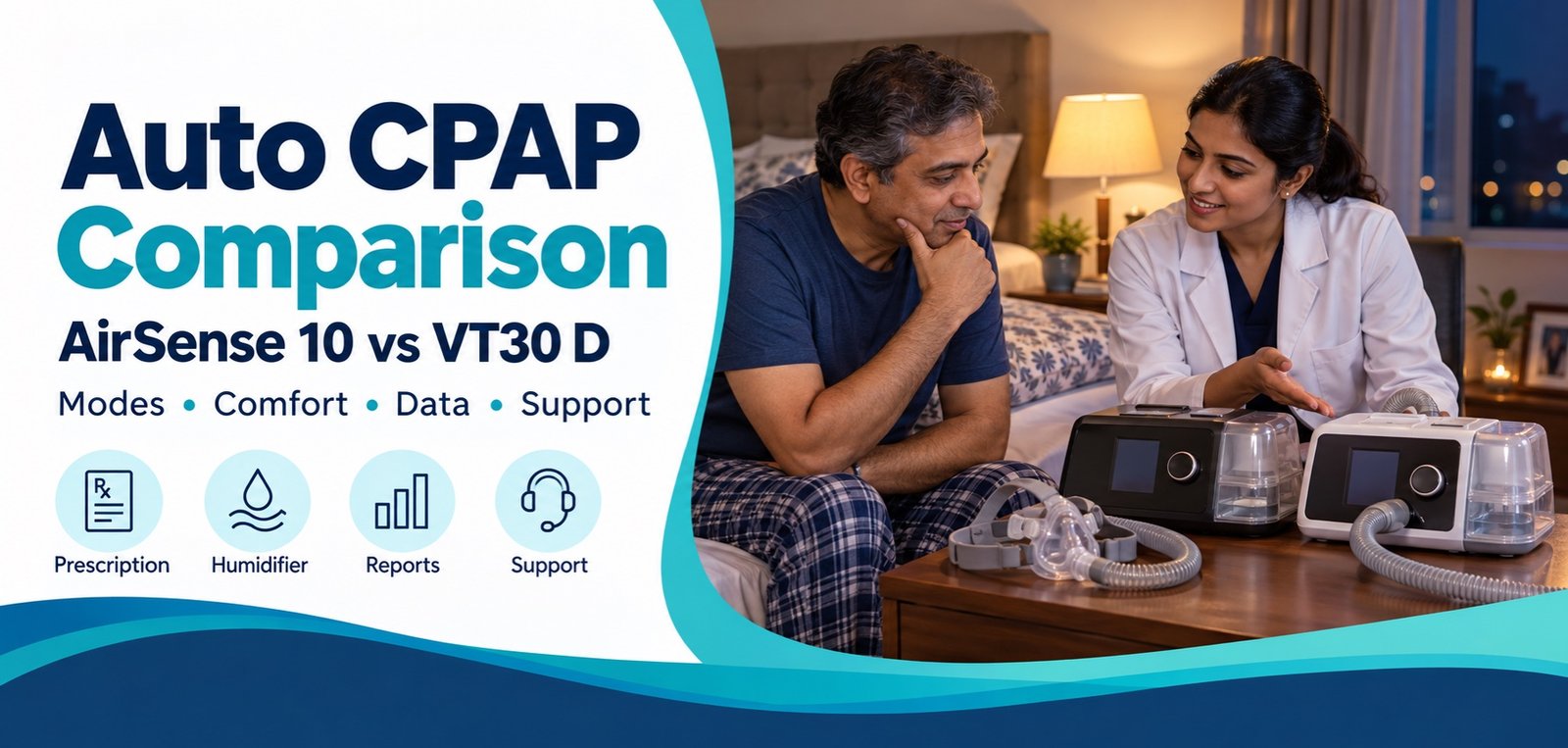
Two machines can both be sold as Auto CPAP while differing in comfort controls, humidification, reports, interface and local support. The better choice is the machine that matches the sleep physician’s prescription, the user’s tolerance and the exact features of the unit being supplied.
Compare the two Auto CPAP options
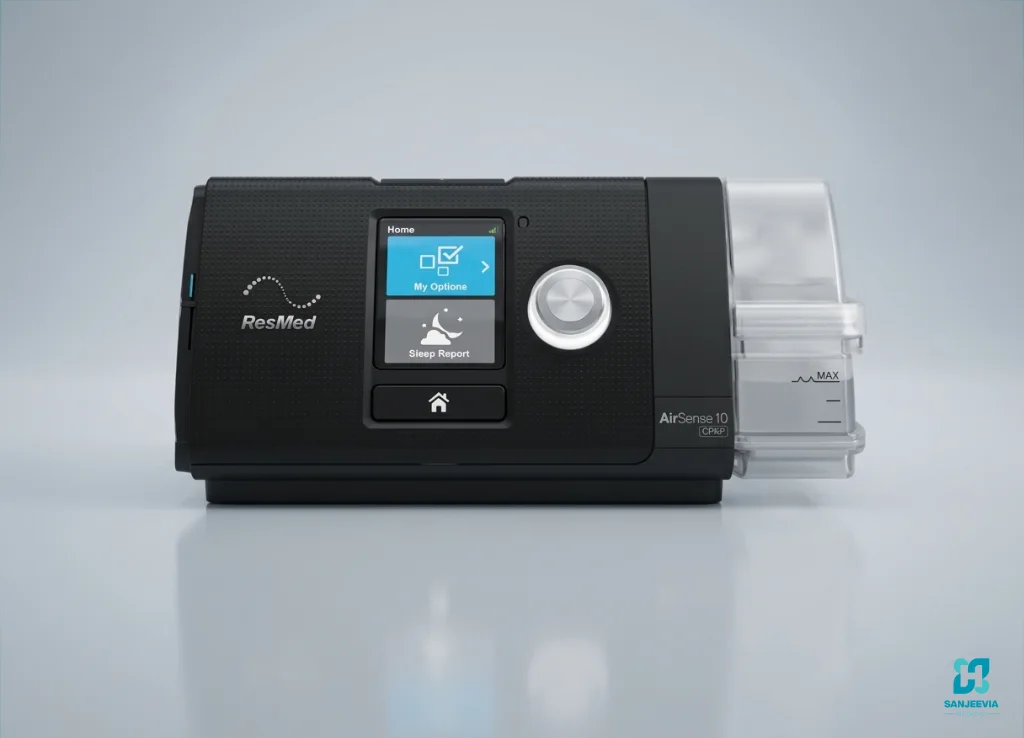
ResMed AirSense 10 AutoSet
Auto-adjusting and fixed CPAP capability with comfort and humidification features. Confirm the exact version and connectivity supplied.

Deck Mount Respirare VT30 D
Auto CPAP and fixed CPAP functions with integrated humidification and therapy-data features. Confirm the exact VT30 variant.
AirSense 10 vs VT30 D at a glance
| Decision point | ResMed AirSense 10 AutoSet | Deck Mount VT30 D Auto CPAP |
|---|---|---|
| Therapy category | Auto-adjusting positive airway pressure and fixed CPAP. | Auto CPAP and fixed CPAP functions are described in the manufacturer brochure. |
| Pressure range | The official user guide lists a 4 to 20 cm H2O operating range for the AutoSet device. The clinician selects the prescribed range. | The official brochure lists a 4 to 20 cm H2O pressure range. The clinician selects the prescribed range. |
| Exhalation comfort | Expiratory Pressure Relief, called EPR, can reduce pressure during exhalation when enabled appropriately. | The brochure describes A-Flex comfort. Confirm the available setting on the supplied variant. |
| Ramp | AutoRamp can begin at a lower pressure and detect sleep onset before moving toward therapy pressure. | Auto-ramp is listed. Confirm how it is configured on the exact unit. |
| Humidification | HumidAir heated humidification is integrated into compatible AirSense 10 configurations. Heated tubing compatibility depends on the setup. | An integrated humidifier is listed for VT30 D. Confirm the chamber, tubing and cleaning instructions supplied. |
| Therapy data | On-screen sleep reports and SD-card data are available. Wireless services and remote connectivity depend on model, market and active service. | Detailed therapy data is listed in the brochure. Ask how the patient, clinician or provider will receive and interpret reports. |
| Display and controls | Colour screen with dial-based navigation. | The brochure lists a 2.8-inch LCD. Confirm the current interface on the supplied unit. |
| Best reason to shortlist | Established AutoSet comfort ecosystem and familiar ResMed reporting workflow, subject to the exact version. | A current Auto CPAP option with listed comfort, humidification and data features, subject to exact variant and support. |
1. Start with the prescription, not the brand
Auto CPAP treats obstructive sleep apnoea by maintaining a splint of positive pressure in the airway. The clinician decides whether Auto CPAP is appropriate and sets the allowed pressure range. A device should not be chosen only because it can reach a high maximum pressure. The minimum pressure, maximum pressure, response algorithm, mask type, leak and comfort settings all influence tolerance and therapy quality.
If the prescription says bilevel, BiPAP, ST, VAPS, iVAPS or non-invasive ventilation, stop this comparison and ask the treating clinician which device category is required. Auto CPAP provides one pressure level that varies over time, while bilevel devices provide separate inspiratory and expiratory pressures. They solve different clinical requirements.
2. Compare comfort during breathing out
People often describe difficulty breathing against CPAP during the first nights. Both machines advertise an exhalation-comfort feature, but brand names do not mean that the features behave identically. AirSense 10 uses EPR. VT30 literature describes A-Flex. The clinician or trained provider should configure these features within the prescribed therapy plan, then review residual events, leak and comfort rather than increasing or decreasing settings casually.
Ramp also needs context. A very low starting pressure may feel comfortable to one user and air-starved to another. Ask the provider to demonstrate starting pressure, ramp behaviour and how to stop or restart therapy without changing clinical settings.
Need help comparing CPAP options?
Share the prescribed device type, city and the exact model you are considering. Sanjeevia can explain availability and product support. Clinical settings remain your clinician’s decision.
3. Check humidification as a complete system
Humidification may reduce dryness for some users, but it also adds cleaning and water-management responsibilities. Compare the humidifier chamber, compatible heated tubing, water guidance, replacement parts and the risk of condensation in the tube. Follow the manufacturer instructions for water and cleaning. Do not add fragrances, oils or unapproved substances to the humidifier.
For either machine, make sure the chamber seals correctly and that the user can remove, fill and refit it without spilling water into the device. If the machine will be used during travel or in a room with changing temperatures, ask how humidity and tube temperature should be managed.
4. Decide how therapy data will be reviewed
A display score can be useful, but it does not replace a clinical review. Ask which data are available: usage hours, residual apnoea-hypopnoea index, leak, pressure and event patterns. Confirm whether the provider will read an SD card, use compatible software or offer another reporting method. Wireless connectivity should never be assumed from a model family name because the module, network and service may differ.
Agree in advance who reviews the first week of data and what symptoms require medical contact. Persistent sleepiness, intolerance, worsening breathlessness, chest pain or other concerning symptoms need clinical assessment rather than repeated equipment changes.
5. Test the mask and circuit, not only the machine
Many apparent machine problems are mask-fit or circuit problems. Confirm whether the prescription calls for a nasal mask, nasal pillows or a full-face mask. Check the correct mask setting if the machine provides one. The user should be able to assemble the circuit, recognise a loose connection and clean reusable parts according to the manufacturer’s instructions.
A mask should seal without painful overtightening. If leaks occur near the eyes or mouth, reassess cushion size, headgear position, sleep position and mask type. Read our practical guide to safe mask-leak checks; the fitting principles also apply to CPAP.
6. Ask what is included with the exact unit
- Machine and correct power supply
- Humidifier chamber, if selected
- Compatible tubing and any heated-tube power connection
- New patient-specific mask and consumable parts
- Filter fitted and spare-filter guidance
- SD card or data-access instructions, where applicable
- Current user guide and warranty details
- Local support contact and fault process
Never assume a photographed accessory is included. Ask the supplier to identify each item at handover and record the machine serial number.
7. Plan cleaning and replacement responsibly
Use only the cleaning methods in the relevant manufacturer guide. Household disinfectants, ozone devices and unapproved chemicals can damage components or create residue. Keep the air inlet clear, replace filters as instructed and allow washed parts to dry fully away from direct heat. Patient-contact items should not be shared without an approved reprocessing process.
8. Compare support after delivery
A CPAP machine is used repeatedly, often every night. Ask who handles setup questions, report downloads, humidifier issues, replacement parts and warranty assessment. Sanjeevia can explain the products it supplies and help families coordinate equipment support, but diagnosis and pressure changes must remain with the treating sleep clinician.
9. Use a simple final decision checklist
- Is Auto CPAP the prescribed therapy category?
- Does the exact unit support the prescribed pressure range?
- Can the user tolerate the selected mask and exhalation comfort?
- Are humidifier and tubing requirements clear?
- How will therapy data be reviewed?
- Are warranty, service and replacement parts documented?
- Has the user practised assembly, cleaning and basic troubleshooting?
Manufacturer sources
Verify specifications against the ResMed AirSense 10 product information, the official AirSense 10 user guide and the Deck Mount Respirare VT30 brochure. Features may change by version, so the label and manual supplied with the machine take priority.
Frequently asked questions
Are AirSense 10 AutoSet and VT30 D the same type of machine?
They are both Auto CPAP options, but their algorithms, comfort controls, interface, reports and support arrangements are not identical.
Can either machine replace an ST BiPAP?
No. Auto CPAP and ST bilevel therapy are different categories. Use the category written in the clinician’s prescription.
Should I choose using pressure range alone?
No. Prescription fit, mask comfort, leak, humidification, data review, service and the exact model variant are also important.
Does every AirSense 10 include active wireless reporting?
No. Connectivity depends on the exact model, market, network and service status. Confirm it for the unit offered.