

A family may prepare for one product and then learn that the exact model is unavailable. The word “alternative” can sound reassuring, but similar-looking medical equipment may differ in functions, capacity, alarms, accessories and controls. Accepting a substitute requires a structured comparison.
Quick answer
Do not compare only the brand name or headline feature. Write down the patient’s essential clinical requirements, dimensions, capacity, settings, accessories, alarms, power needs and caregiver tasks. Accept another model only after the provider confirms those specifications and the treating team approves any clinical difference.
These categories contain models with different functions and specifications. Compare the actual supplied unit against the written requirement, not against appearance alone.
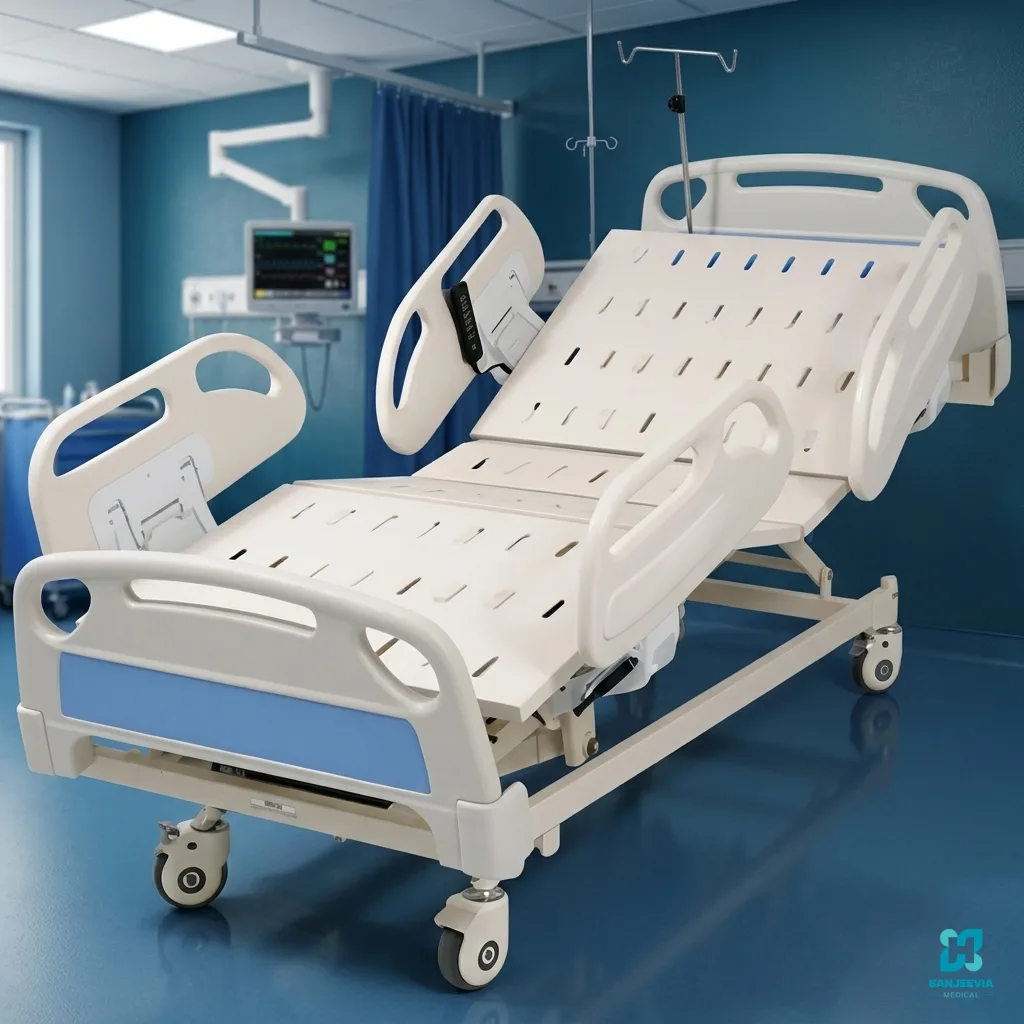
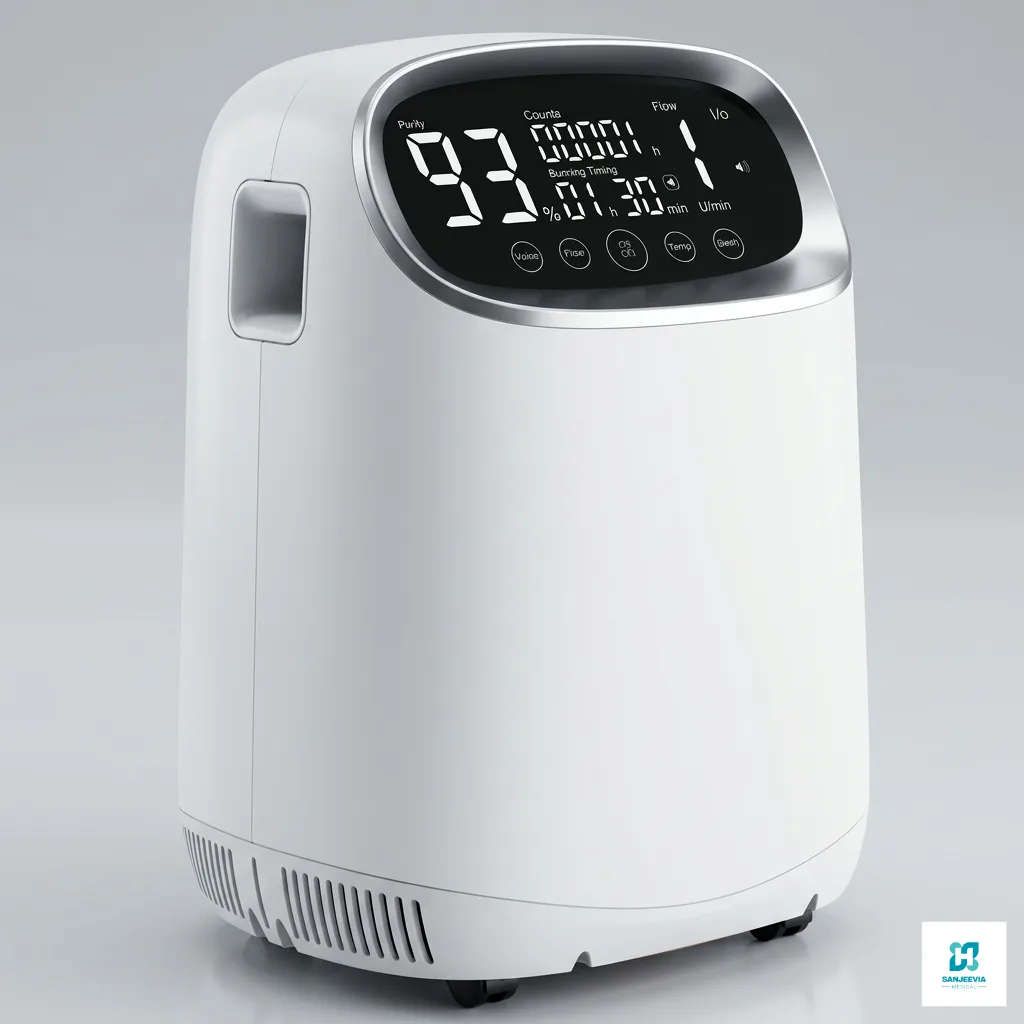
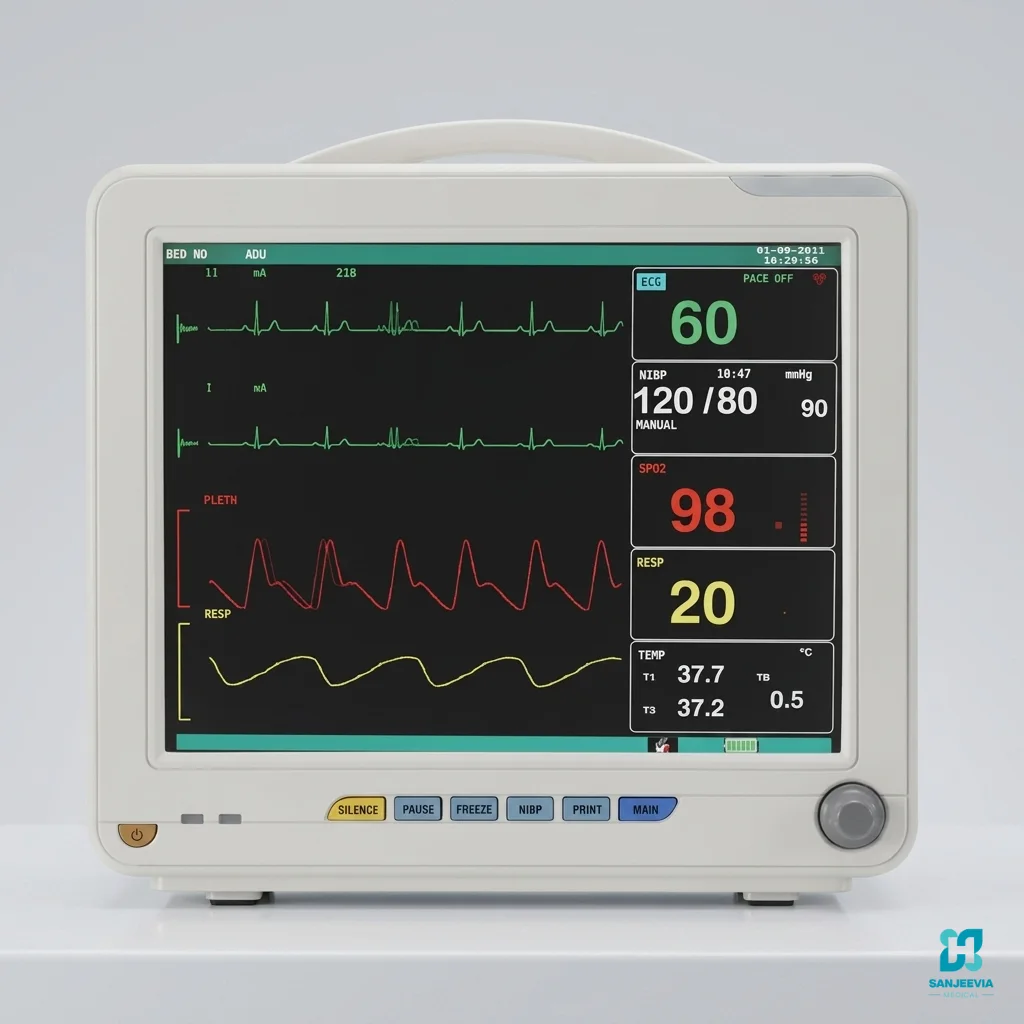
Equivalent appearance is not equivalent performance
Two beds may both raise the backrest but have different height, load limits or rail designs. Two oxygen concentrators may both be called 5L while their alarms, oxygen-performance specifications or operating requirements differ. Two monitors may display similar screens but support different parameters and accessories.
The World Health Organization’s medical-device management guidance places needs assessment before procurement and links safe use with inspection, training and maintenance. Families can apply the same order on a smaller scale: define the need first, then compare the offered model.
Nine checks before accepting an alternative
1. Restate the original requirement
Use the hospital note, clinician instruction and assessment record. Separate essential requirements from preferences. A colour or familiar brand may be optional, while a prescribed mode, usable width or weight capacity may be essential.
2. Compare required functions line by line
Create a simple table with the original requirement and offered model. Mark each function as confirmed, different or unknown. Do not treat extra functions as proof of suitability.
3. Protect clinical settings
Oxygen flow, respiratory mode and pressure, infusion rate, alarm limits and rehabilitation range remain clinical decisions. If a change in model changes how those settings are entered or delivered, return to the treating team.
4. Check capacity and dimensions
Verify patient weight, body dimensions, mattress platform, wheelchair seat and the equipment’s safe working limits. Then confirm doorway, lift, staircase and room access using the operating dimensions.
5. Match every accessory
A mask, cuff, sensor, regulator, mattress or power accessory may not transfer between models. Physical connection alone does not prove compatibility. Ask for the exact supported component.
6. Compare alarms and indicators
The caregiver must recognise the normal display, warning lights and alarm meanings on the actual unit. A different interface can require another demonstration even when the clinical purpose is the same.
7. Confirm power and backup needs
Check voltage, battery behaviour, power consumption and the approved backup plan. The FDA home-use device guidance highlights the importance of power-loss instructions and compatible outlets.
8. Reassess the caregiver task
Ask the usual caregiver to operate the controls they are permitted to use. Small differences in height adjustment, folding, braking or menus can change whether the plan works at home.
9. Record approval and the actual supplied model
Keep the provider’s specification response and any required clinical confirmation. At handover, record the actual unit, accessories and differences explained. Never allow an informal phone description to replace the final written record.
Information to request for the offered model
Ask for the model name, manufacturer specification, required functions, operating limits, dimensions, weight capacity, supported accessories, alarms, power requirements and user instructions. Compare that information with the patient’s written requirement and the home assessment. If any essential field remains unknown, pause the change rather than treating silence as confirmation. The provider should explain product facts, while the clinician decides whether a difference changes treatment suitability. The family should also check whether the regular caregiver can understand the controls and whether the actual unit can reach and operate in the planned room.
Three outcomes from the comparison
| Outcome | Next action |
|---|---|
| All essential requirements match | Confirm the exact unit, package and caregiver demonstration |
| A clinical requirement differs | Return to the treating team before accepting |
| Home fit or caregiver use fails | Request another configuration or revise the home plan |
Use the same method when comparing three-parameter and five-parameter monitors or standard and bariatric equipment.
Frequently asked questions
Does equivalent mean the same brand?
No. An equivalent may be another brand or model, but it must meet every essential requirement defined for the patient and home.
Can a higher-feature model always replace a simpler one?
No. More features can introduce different controls, accessories or alarm behaviour. Suitability depends on the required function and the caregiver’s ability to use it.
Who approves a change in oxygen flow or BiPAP mode?
The treating clinician. A provider can explain model capabilities but cannot authorise new treatment settings.
Should the alternative model be written on the rental record?
Yes. Record the actual model or identifier, included accessories and any agreed differences before handover.
What if the alternative does not fit the room?
Do not accept it solely because its clinical specification appears suitable. Access, space, power and caregiver operation must also work.
Model availability changes. Product selection and treatment settings must be confirmed for the individual patient and the actual home environment.
Next Read
If timing changes after the model is confirmed, read: Hospital Discharge Date Changed After Equipment Booking: 8 Actions.
